
In this Article:
Try Kanbanchi now
Start your free trial

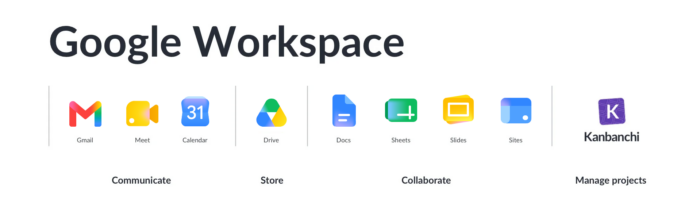
The short answer is no. Google does not have its own dedicated project management app. Google Workspace gives teams excellent tools for communication, collaboration, and file storage, but a purpose-built project management platform is not part of the suite.
This is a question that comes up constantly among teams who already live in Gmail, Drive, and Calendar. They want to manage projects without leaving the ecosystem they know. Here is exactly what Google offers, where it falls short, and what Google Workspace users do instead.
Google Workspace is a strong foundation for daily work. Gmail handles communication, Drive stores files, Calendar manages schedules, Docs and Sheets support collaboration, and Meet covers video calls. For a full breakdown of what each app can do for business teams, this guide to Google Workspace features covers the complete picture.
What Google Workspace does not include is a dedicated project management layer. No visual task boards, no Gantt charts, no time tracking, no structured task ownership across a team, and no project-level reporting.
For small teams or simple tasks, this gap may not be immediately obvious. But once a project involves multiple people, shifting deadlines, and interdependent tasks, the absence of a proper project management tool starts to show.
The most common workaround is Google Sheets. It is already available, familiar to most people, and flexible enough to build a basic task tracker with columns for owner, status, due date, and priority.

I’ve used Google Sheets myself for a while. It offers a lot of built-in features that you can use for managing tasks and projects. But to be honest, it’s still just a spreadsheet app. And if you have a more complex project, you probably have multiple assignees and dependencies. You might also need advanced features like a time tracker and checklists. In this case, you need specialized project management software.
The fundamental problem is that a spreadsheet is passive. It does not notify anyone when something changes, does not automatically surface blocked tasks, and does not give a manager a real-time view of where the project stands without manually reading every row.
Since Google does not offer a native solution, the next question is which third-party tool fits best. The key is not just integration; it is how deeply the tool is built into the Google environment.
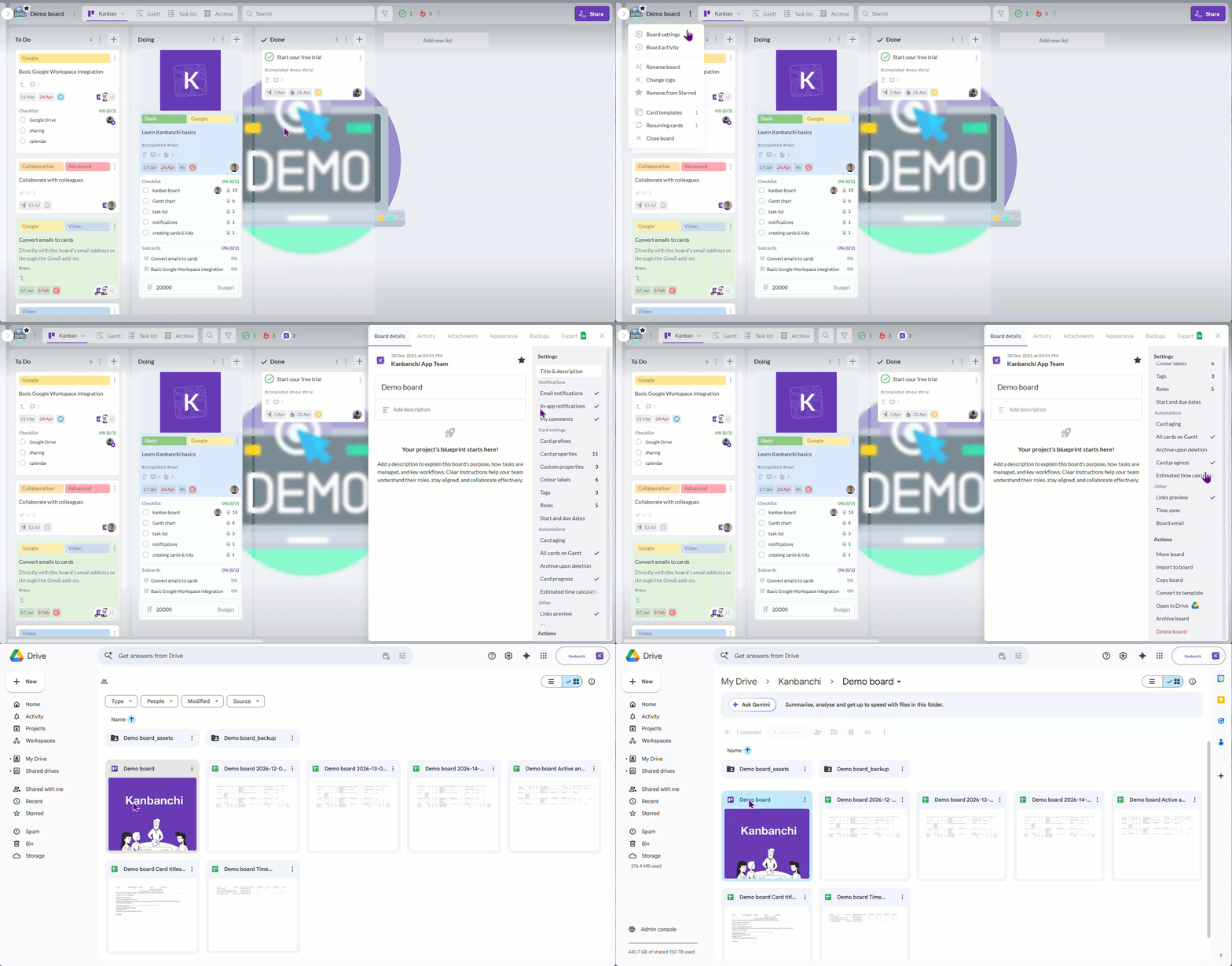
Some tools allow Google sign-in or a Drive file attachment and call it integration. What actually matters for Google Workspace teams is whether the tool stores its data in Drive, respects Google sharing permissions, creates tasks from Gmail, syncs with Google Calendar, and feels like a natural extension of the workspace rather than a separate system running alongside it.
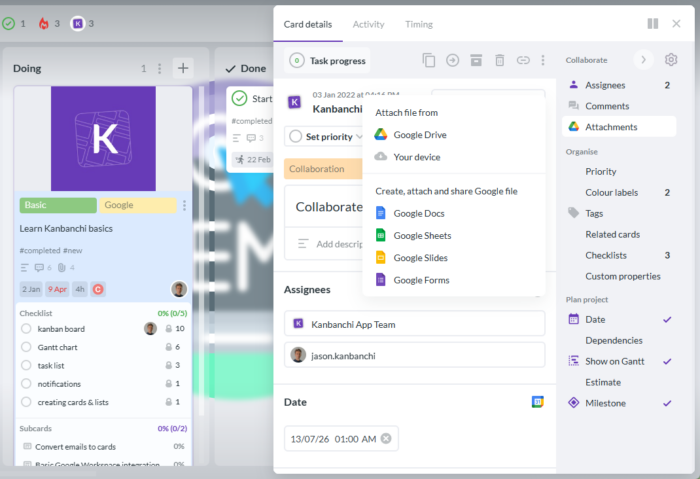
For teams with more complex needs, like Gantt charts, workload views, time tracking, templates, etc., the tool should provide all of that within the same environment rather than requiring people to jump between platforms.
If your company uses Google Workspace, Kanbanchi is the purpose-built answer to this problem. Kanbanchi is an online project management tool that integrates seamlessly with Google apps and works natively in Google Drive, making it an ideal choice for teams that need a proper project management platform without leaving their existing ecosystem.
By keeping everything on Google Cloud, Kanbanchi makes it easier to access your project data from anywhere. Kanbanchi provides a wide variety of features for your team to organize any kind of project, including task management, project scheduling, time tracking, and resource management. Its timeline view, interactive task boards, and intuitive planning tools allow you to easily visualize project progress, prioritize tasks, and understand where bottlenecks are occurring.
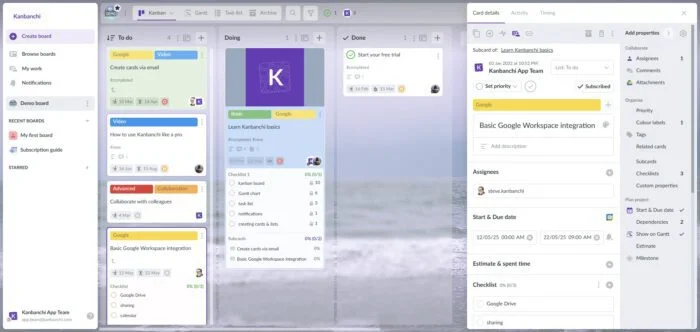
Kanbanchi works with both personal Google accounts and corporate Google Workspace accounts. Its interface is straightforward enough for non-technical users while offering the depth that project managers need for more complex work.
Sign up for a free Kanbanchi trial
No. Google Workspace includes productivity and collaboration tools (Gmail, Drive, Docs, Sheets, Calendar, Meet, Chat), but no dedicated project management app with visual boards, Gantt charts, time tracking, and task ownership.
Yes, as a basic workaround. Google Sheets works for simple tracking but becomes difficult to maintain as projects grow in complexity, involve more people, or require automation, timeline views, or real-time progress visibility.
Kanbanchi is designed specifically for Google Workspace teams. It adds Kanban boards, Gantt charts, time tracking, Gmail task creation, Google Calendar sync, and Google Drive file storage while staying natively inside the Google environment.
Yes. Kanbanchi works with both personal Google accounts and company Google Workspace accounts.
Try Kanbanchi today and give your team a project management system that works the way Google Workspace already does.


In this Article:
Start using Kanbanchi now
Start your free trial