
In this Article:
Try Kanbanchi now
Start your free trial


In 2026, productivity websites will be evolving more than ever. We aren’t just talking about simple timers anymore. If we’re getting real for a moment, then let’s be honest and type it out loud: the Internet is a double-edged sword.
One minute you’re researching market trends, and the next, you’ve somehow tumbled down a three-hour rabbit hole of outrageous TikTok mukbang videos and Buzzfeed articles that’ll “warm your heart”. The difference between a wasted afternoon and a high-performance workday often comes down to one thing. Your digital environment.
We are talking about a sophisticated ecosystem of tools designed to:
Whether you’re a solo entrepreneur looking to reclaim your focus or a project manager trying to orchestrate a global team, let Kanbanchi’s guide be your roadmap. We’ve sifted through the noise to find the best productivity sites that actually deliver on their promises. Are you ready to stop being busy and start being productive? Put Facebook down…and join us on this journey into the best productivity websites to supercharge your work.
If you’re still trying to manage your entire professional life through a single browser tab and a prayer, you’re likely feeling the strain. The modern professional doesn’t just need a to-do list. They need a productivity website stack that covers three distinct psychological phases of work:
Most people fail because they try to make one tool do everything. They use a project management tool for brainstorming (too rigid) or a focus tool for task tracking (too simple). The goal of a productive website’s strategy isn’t to add more work to your day; it’s to remove the friction. It’s about building a digital cockpit where every tool has a specific purpose.
When you enter a specific productivity website, your brain should instantly realize either: “Okay, it’s time for deep work,” or “Now, we’re in planning mode.” In the following sections, we’ll break down the absolute best websites for productivity by category, ensuring you have the right tool for every stage of your workflow.
Read more productivity stories here
The hardest part of modern work isn’t the work itself; it’s the silence required to do it. Gloria Mark’s University of Irvine research paper, “The Cost of Interrupted Work: More Speed and Stress,” shows that each interruption takes an average of 23 minutes to regain focus. So, you’ve got to find a way around it. To fight back, you need productivity websites that act as a digital fortress. These sites don’t just help you manage time; they curate your sensory environment to make focus inevitable.
By integrating these productivity sites into your morning routine, you stop waiting for inspiration to strike and start creating the conditions for it to flourish.
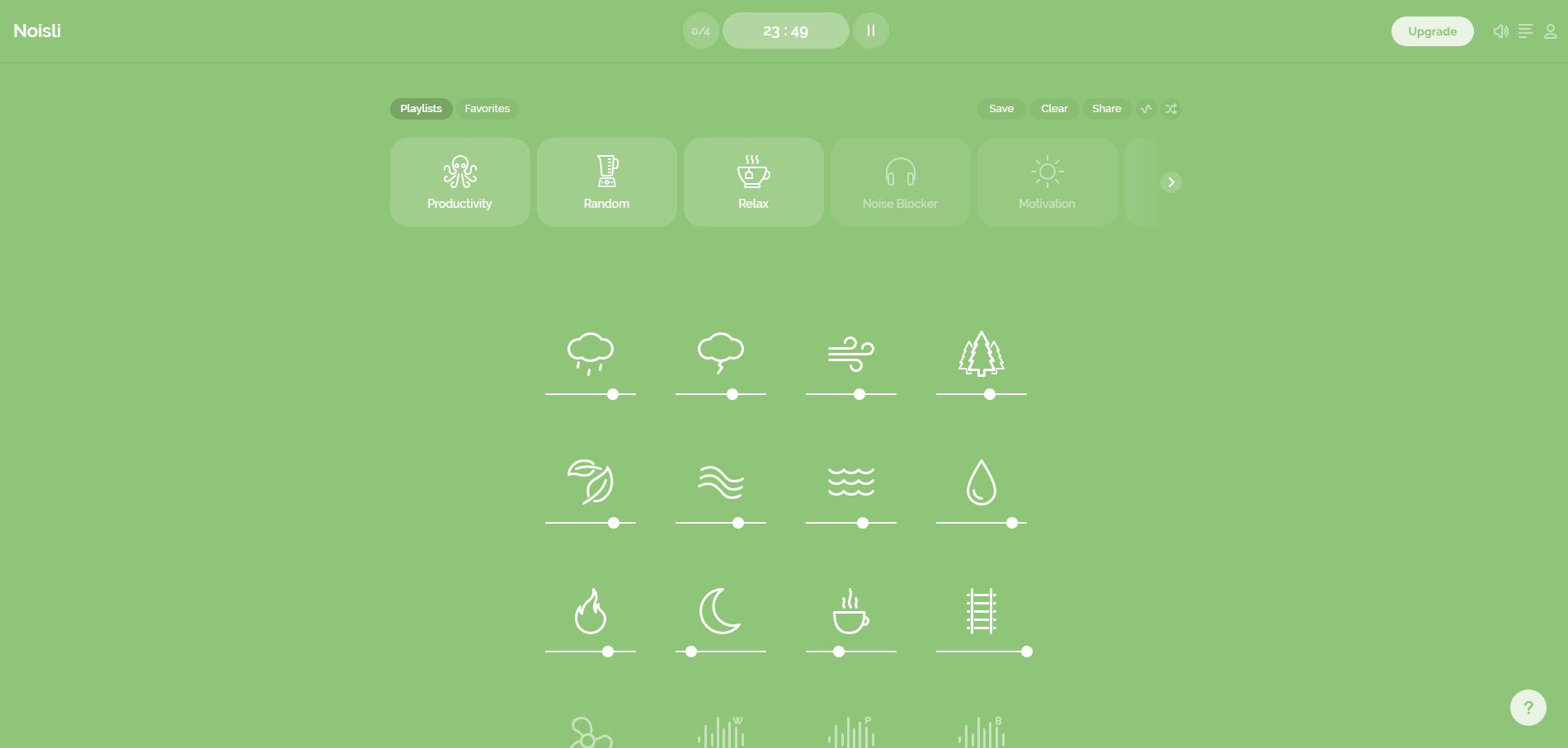
Sometimes, total silence is just as distracting as a noisy office. Noisli lets you mix different background sounds, such as rain, wind, or a bustling coffee shop, to mask unwanted external noise.
Main Benefit: It triggers a cocoon effect, telling your brain that it’s time to settle in.

If you’ve ever searched for music to work to on Google, you might already know the power of Lofi. Lofi Cafe is a minimalist productivity website that streams chilled-out beats alongside retro, lo-fi animations.
Main Benefit: No lyrics to distract your linguistic processing and no suggested videos sidebar to lure you away.
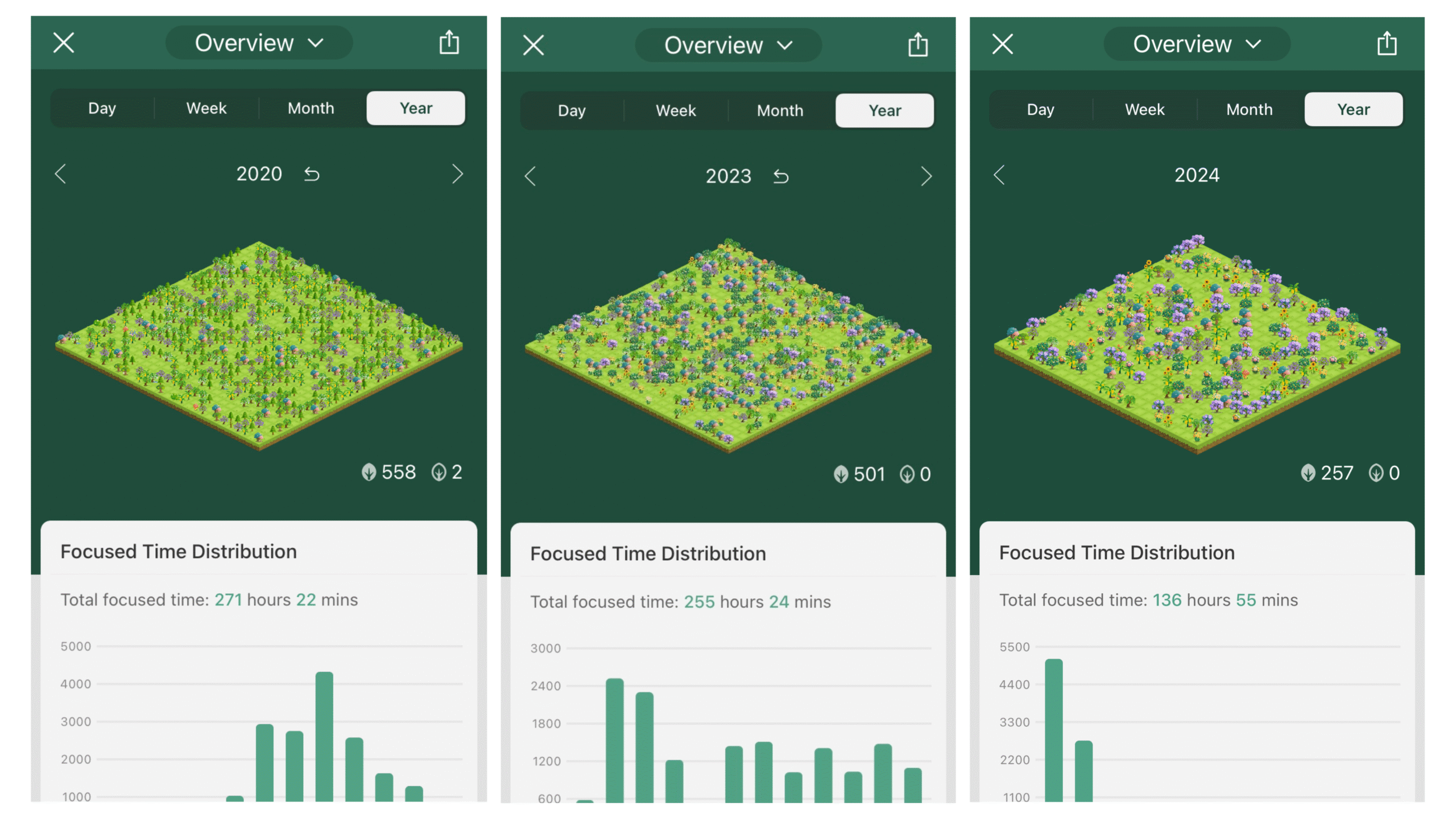
Forest is perhaps the most famous productivity site for those who struggle with tab-hopping. When you want to focus, you plant a digital tree. If you leave the site before your timer is up, the tree withers and dies.
Main Benefit: It uses emotional behavior techniques: you don’t want to be the person who killed a digital tree just to check a news headline, do you…?
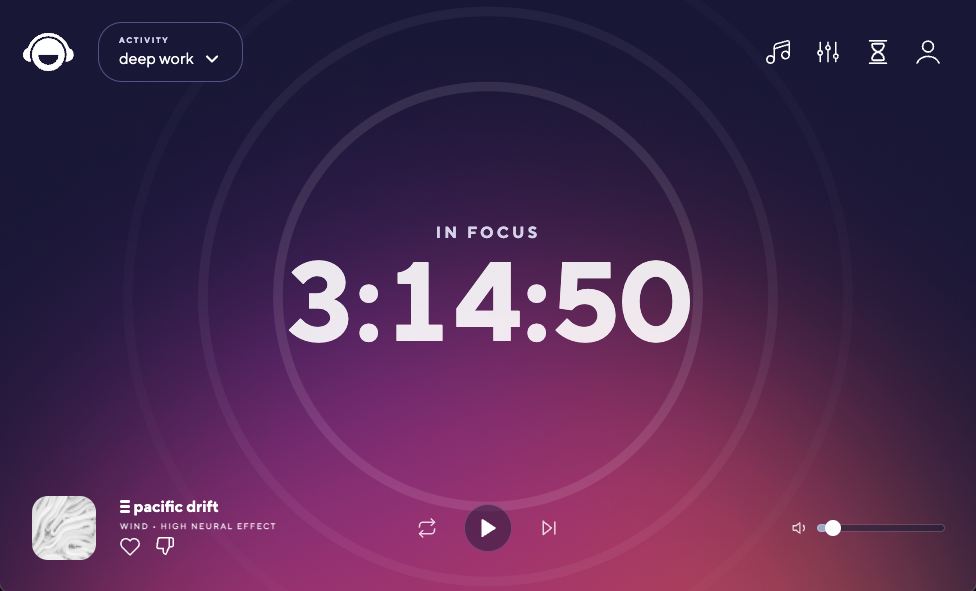
Unlike standard music, Brain.fm uses functional music designed to elicit specific neural patterns. It’s the best productivity site for those who find regular music too engaging to work to.
Main Benefit: It’s designed to fade into the background while keeping your brain stimulated enough to avoid daydreaming.
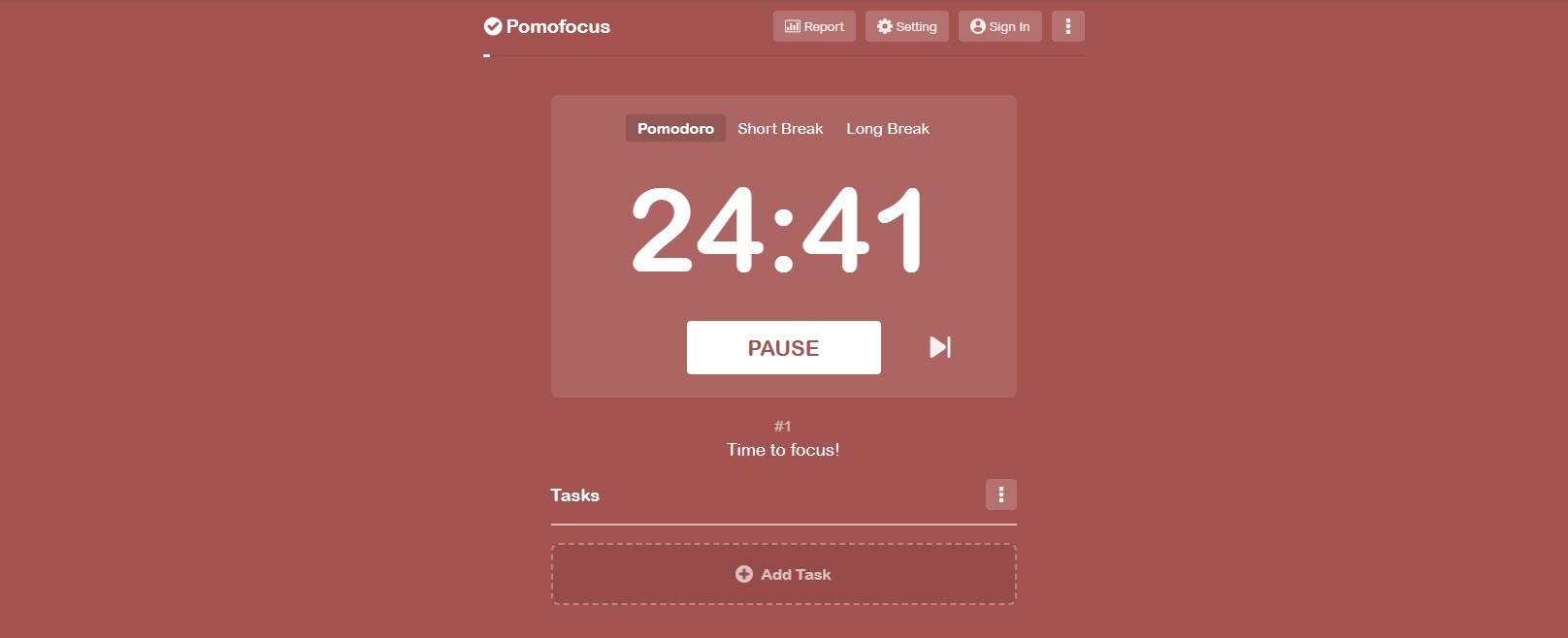
Sometimes, you just need a clean, simple timer. Pomofocus is a web-based Pomodoro timer that tracks your sprints and breaks.
Main Benefit: It’s completely free and requires zero setup. It helps you view your day not as an eight-hour marathon, but as a series of manageable 25-minute sprints.
Once you’ve mastered your focus, you need a place to put that energy. This is the Execution Phase. A productivity website in this category shouldn’t just be a list; it should be a central hub where strategy meets action. These ones stand out for their ability to handle the complexity of modern teamwork.
Workflow planning and task management are perhaps the largest slice of the project manager’s pie, and it can become unwieldy if you’re not careful. Kanbanchi’s Google Workspace Native tool makes everything much simpler by presenting all you need to know in a straightforward, easy-to-use format. Similarly, the intuitive Microsoft version also ensures that everything is presented in a visual format, and it makes all team members’ work-life a whole lot easier.
Main benefit: It has a clean, user-friendly interface that enables you to plan and manage tasks effectively and collaborate with others.
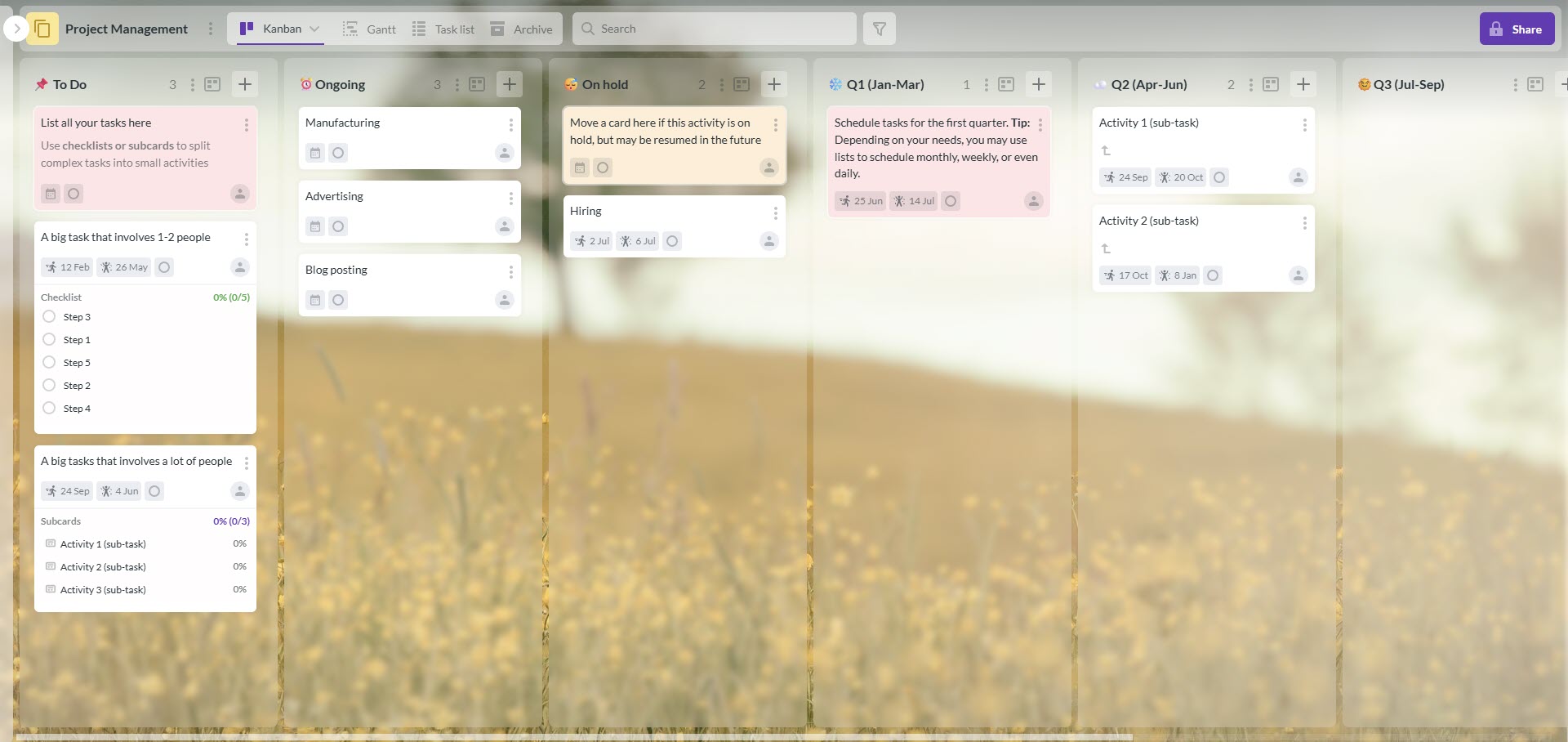
As one of the best productivity sites for teams, Kanbanchi transforms unwieldy task lists into a clean, visual format that makes workflow planning straightforward for everyone
Start your free Kanbanchi trial today
If your main struggle is losing tasks in your head, Todoist is the gold standard. It’s incredibly fast at capturing thoughts via natural language processing (e.g., type Email John on Friday and it sets the date automatically).
Main Benefit: It’s great for the Getting Things Done methodology.
Main limitation: It’s primarily built for individual to-dos; once you have a team of five needing to share files and timelines, it can feel a bit thin.
For those who think in pictures, Trello revolutionized the productivity website space with its card-and-board system.
Main Benefit: Very intuitive for simple workflows.
Main limitation: As projects scale, boards can become cluttered, and the power-ups needed for advanced features can get expensive and fragmented.
These three cover the browser-based end of task management. If you are comparing dedicated project tools rather than web utilities, our roundup of project management apps goes deeper, and our guide to productivity apps covers installable software by category.
If you’ve ever found yourself manually copying data from a Google Form into a Spreadsheet or downloading an email attachment just to upload it into Google Drive, you are working harder than you need to. Your next best practice is to stop being the middleman between your own tools. The best productivity sites for automation allow your favorite websites to talk to each other, creating the right workflows that run 24/7 (even while you sleep).
Zapier is the undisputed heavyweight in productivity automation platforms. With over 8,000 integrations, it can connect almost any tool you use to another.
Main Benefit: No coding required. Best for: Zapier Copilot, which allows you to build workflows using natural language. Just describe what you want to happen, and the AI builds the automation for you.
Make (formerly Integromat) is the best productivity platform for those who want to visualize their data flow. Instead of linear lists, you build up scenarios that look like complex maps.
Main Benefit: It offers more granular control than Zapier. You can add complex branching logic and data filtering at a lower per-task cost. Best for: Operations managers and power users who need to process large amounts of data between Google Sheets and their CRM.
IFTTT (If This Then That) is the most user-friendly productivity site for personal habits. It excels at connecting your digital work life with your physical world.
Main Benefit: It’s famous for its Applets. Here’s an example: you can set an Applet to: “If the weather forecast predicts rain, add a ‘Take Umbrella’ task to my to-do list.” Best for: Freelancers and individuals looking to automate their daily routines and smart home devices alongside their work tasks.
The real magic happens when you don’t even need separate automation tools. For example, with a central management tool like Kanbanchi. Done cards can automatically move to the list “Done”, repeated tasks appear on your timeline when they need to, due dates on your colleague’s Google calendar are the same as on your Kanbanchi project board, information from a Google Form creates a task on a Kanban board, etc., etc…
This isn’t just a time-saver; it’s a strategy that eliminates human error and ensures your team is always working on the most up-to-date information.
Software is only half the battle. You can have the most expensive toolkit in the world, but if you don’t have the right systems in place, you’re just organized in your chaos. To truly master your time, you need to stay up to date on the latest methodologies and behavioral science. The following productivity sites don’t offer tools; they offer the operating instructions for your brain.

James Clear is the author of Atomic Habits, and his website is a goldmine for anyone looking to build better routines. His core idea is that success isn’t about giant leaps; it’s about “1% improvements” every day.
Main Benefit: His weekly 3-2-1 Newsletter provides quick, actionable insights that you can read in under three minutes. Perfect for a morning productivity website ritual (instead of doomscrolling Facebook). Also, you can download an Atoms application, that will help you to develop good habits.

Lifehacker has been the go-to best productivity site for nearly two decades. It covers everything from software shortcuts to body hacks for better sleep and overall health. Check their Top 10 lists for curated recommendations on hardware and digital accessories.
Main Benefit: It’s great for discovering hidden features in tools you already use, like Chrome, Gmail, or Windows.

If you want to understand productivity from a leadership and management perspective, HBR is the definitive resource. At their heart, they focus on High-Value Work. It’s less about how to type faster and more about how to manage energy, emotional intelligence, and team dynamics.
Main Benefit: Their articles are backed by academic research and case studies from the world’s most successful companies.

In a world of more, more, more, Leo Babauta’s Zen Habits is a breath of fresh air. This productivity site focuses on simplicity and mindfulness. It’s all about clearing the clutter, both in your physical workspace and your mind. This, for many, is the ultimate productivity hack.
Main Benefit: It’s the perfect antidote to productivity guilt. It reminds you that being busy is not the same as being effective.
By spending just 10 minutes a day on these best websites for productivity education, you ensure that your tool skills are matched by your strategy skills.
Kanbanchi is a work management tool that runs inside Google Workspace. Boards are stored as files in Google Drive, so sharing follows the permissions your team already has, and there is nothing to install. If the gap in your stack is the place where tasks, dates, and owners live, it is worth twenty minutes of your time. If your gap is focus or automation, one of the sites above will serve you better.

Kanbanchi seamlessly integrates into Google Drive and falls under its structure
The best productivity tool is one that can hit the ground running, and that team members feel relaxed about working with. Even better if there’s no downtime for installation.
If this sounds appealing, why not switch to Kanbanchi today? Get in touch and let’s chat about the ways in which the Kanbanchi team can work with you to get the results you need.
Before we go, we’ve collated a list of some of the most frequently asked questions about the best productivity websites out there.
If you’re on a budget, you can still build a powerhouse system. Google Tasks and Keep are free staples for Workspace users. For project boards, Trello’s free tier is generous. For focus, Pomofocus and Noisli provide excellent free web-based tools.
If you need environmental help, Noisli (background noise) and Brain.fm (neural-phase music) are the best productivity sites for creating a sensory focus bubble.
Absolutely. While many sites focus on the individual, Kanbanchi is built specifically for team collaboration within Google Workspace, making it an ideal tool for most users. There’s no downtime needed to get it installed and no learning curve to get started either.
Forest offers a simple gamified experience by letting you grow (or accidentally kill) digital trees based on your focus sessions. It works on emotional, behavior-based techniques to help you keep focused on the tasks at hand.
A web-based productivity application is software that runs in a browser with no installation, using an account rather than a license. Google Docs, Trello and Zapier are all examples. The practical advantage is not features. It is that any device with a browser and a login can pick up where you left off, which matters more than it sounds when you are on someone else’s laptop.
A productivity website runs in the browser. A productivity app is installed on a device. The line is blurry now because most tools offer both, but the distinction still shapes how a team adopts something: a website needs a link, an app needs an install, and the install is where adoption dies. If you want the app side of the picture, our guide to productivity apps covers it by category.
For focus, Pomofocus and Noisli both work with no account and no cost. For notes and revision planning, a free board or list tool is usually enough, and paid features rarely earn their money before the dissertation stage. The most useful habit is not a website at all: block the time in a calendar before the week starts.
Four, at most. One for focus, one for tasks, one for time, one for automation if your work is repetitive. Teams that run more than that usually have two tools doing the same job and no agreement about which one is authoritative, which is a worse position than having neither.
Most on this list have a usable free tier, and several are free outright. Pomofocus, Noisli, Lofi Cafe and Google Calendar cost nothing. Zapier, Make, IFTTT, Todoist, Trello and Kanbanchi all have free plans with limits you will eventually hit.
In this Article:
Start using Kanbanchi now
Start your free trial