
How to switch between board views?
Kanbanchi offers several options for viewing cards on your board: Kanban View, Gantt Chart View, Task List, Team Workload, Archive, and more. To switch between different views, click the view button on the top panel of the board. Also, you can choose the view you need from the drop-down list.
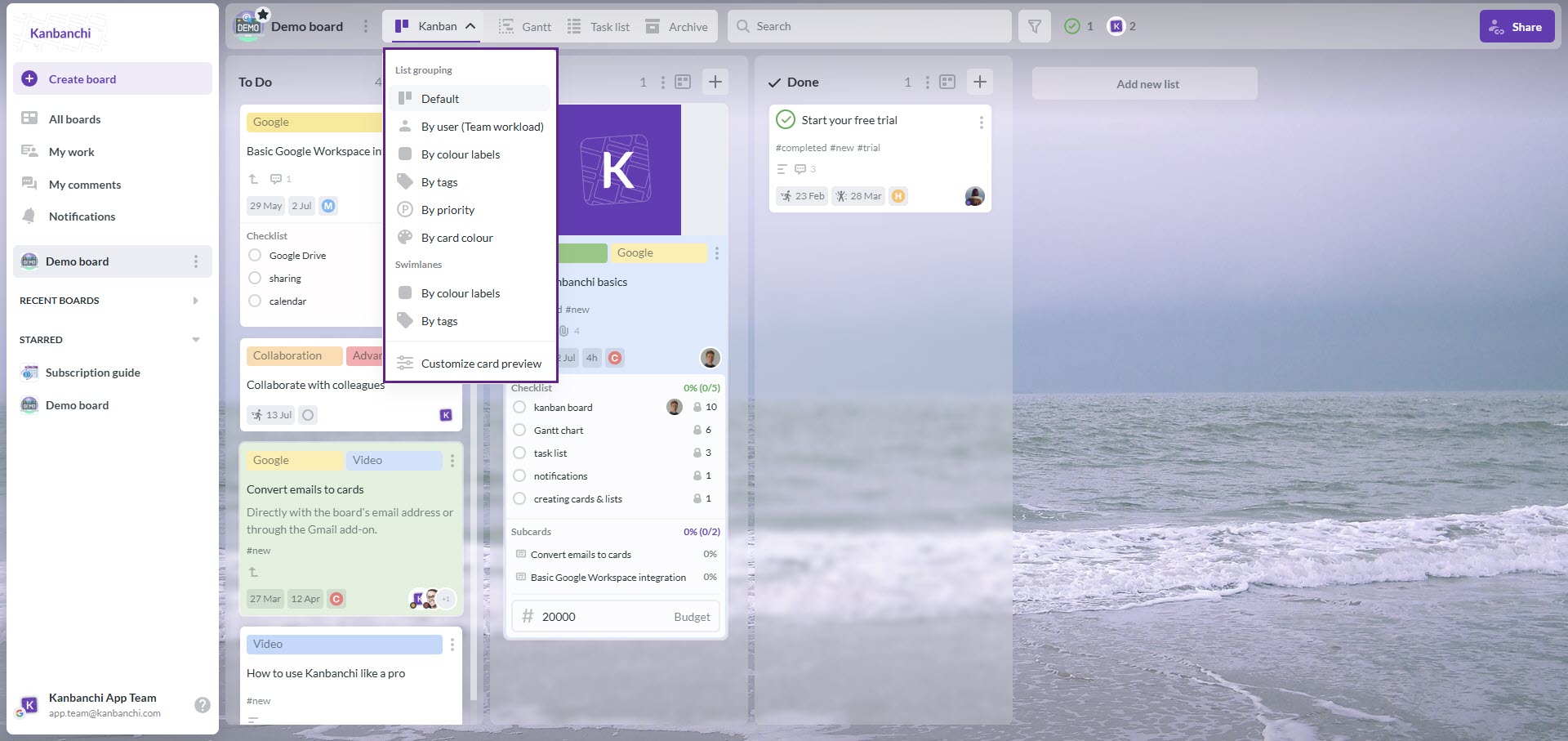
Kanban View
When you want to monitor your team’s progress, it’s easier to do so with the Kanban View. It is a horizontal view in which cards are placed in lists that represent categories or stages in the workflow. It will help you understand what milestones are being met and where you have bottlenecks in your project.
List View
However, sometimes, you’ll want to quickly look through all your cards, sort and filter them to easily access the ones you need. In this case, List View will come in handy – it displays a list of scrollable cards and allows you to quickly look through them from top to bottom.
Archive
An archive allows you to save information that is not needed now, but might be needed later. The Archive feature includes archiving cards, lists, and boards.
Gantt Chart
The Gantt Chart demonstrates how your cards relate in time. You can see the duration of your cards across a timeline and visually plan and adjust project schedules with your team.
Team Workload
The Team Workload view is very helpful while managing projects. It shows how many tasks each team member has.