
In this Article:
Try Kanbanchi now
Start your free trial

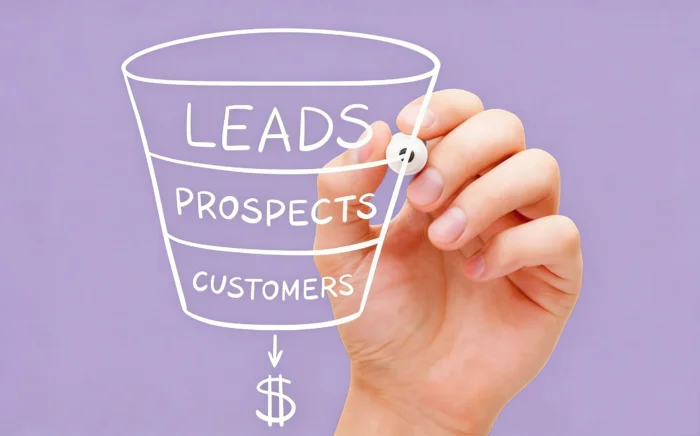
Tell us honestly, how’s your sales pipeline looking right now? Be honest! Right now, the stakes for sales leaders have never been higher.
In fact, Harvard Business Review recently highlighted that companies with a standardized sales process rake in 18% more revenue than those without. Yet, many teams are still fighting a losing battle against:
The reality these days is that the best sales pipeline management software isn’t just a digital filing cabinet for your contacts, it’s your team’s Revenue Command Center, where everything happens, and you can all see it in real time.
We’ve moved beyond simple status tracking into an era of signal-driven intelligence. Today, the best tools don’t just tell you where a deal is; they tell you why it’s stalling and exactly what your next move should be.
If you’re still relying on manual logging and making assumptions to forecast your quarter, you’re not just behind the curve; you’re leaving money on the table.
Whether you’re a high-growth startup or a scaling enterprise, your choice of software will determine your sales.
In this guide, we are diving deep into the 12 best solutions for 2026. From AI-first powerhouses to visual execution layers like Kanbanchi that bridge the gap for Google Workspace users, we’ll show you how to turn your pipeline from a source of stress into a predictable growth engine.
Ready to see how the top performers are winning? Let’s look at the evolution of the pipeline.
For decades, the pipeline was a static list.
But nowadays, a status is just a label; what matters are the signals.
Traditional pipeline management relied on sales reps to manually update their CRM. The problem? Reps hate data entry, and manual updates are often subjective.
A deal might be marked Negotiation, but if the prospect hasn’t opened your last three emails, is it really moving forward?
The best sales pipeline management software 2026 uses autonomous data capture. It tracks email opens, document engagement, and even champions migration, when a previous buyer moves to a new company.
In the past, sales were a numbers game; more calls equaled more pipeline. Today, the average enterprise SDR requires 4x as much outreach to book a meeting as they did just four years ago.
Your software should help your team surface the right accounts at the right time based on real-time buying signals, not just a list of names.
This shift from activity-driven to conversation-driven outcomes is the secret to predictable revenue growth.
After all, think about it. A pipeline that only shows statuses is a history book. A pipeline that shows signals is a crystal ball…and what most sales teams would give for those kinds of insights!
So, before you go any further, ask yourself this: Is your team spending their time managing the software, or is the software managing the momentum for them?
Look no further, as we’ve put together a list of the 12 best sales pipeline software management tools for you, alongside their pros and cons.
You may also be interested in other Kanbanchi blog articles for business.
Check them out!
Choosing the best sales pipeline management software 2026 is about matching your team’s specific sales motion targets to the tool’s DNA.
Whether you are a high-volume outbound shop or a relationship-driven boutique, one of these top 12 contenders will be your perfect fit.
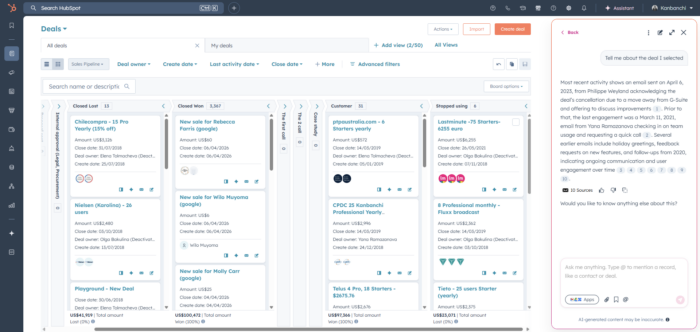
HubSpot remains the gold standard for teams that want their sales, marketing, and service tools under one roof.
Best For: Scaling companies that prioritize ease of use and marketing alignment.
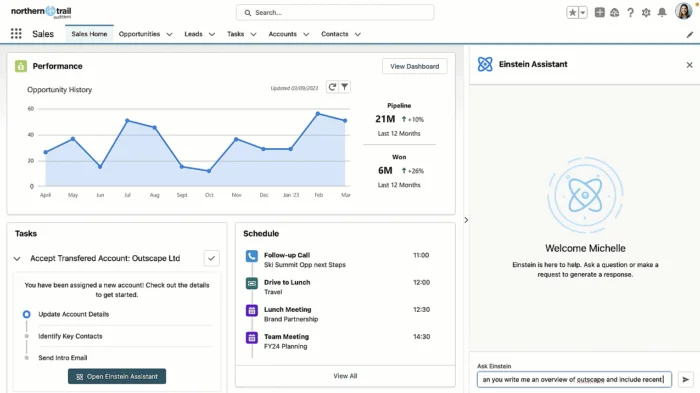
As the most robust CRM on the planet, Salesforce is the go-to for complex, global enterprises.
Best For: Large organizations with unique, multi-layered sales processes.
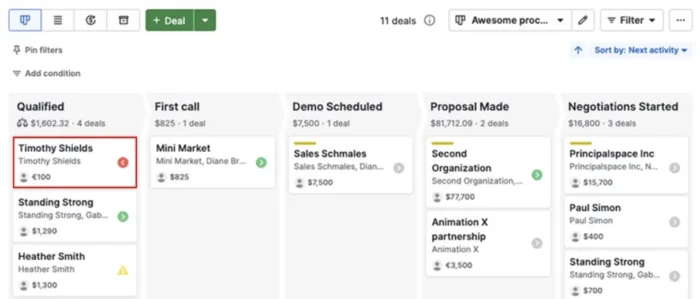
Designed by salespeople, Pipedrive focuses on activity-based selling and visual clarity.
Best For: SMBs who want to see their deals move across the screen in real-time.
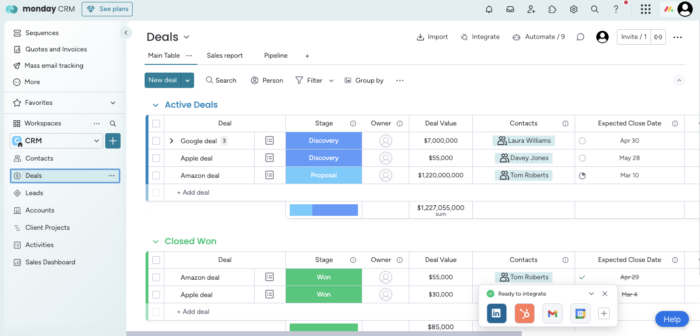
Monday has successfully pivoted from project management to a surprisingly deep sales platform.
Best For: Teams that want a highly visual, fully customizable board that feels modern.
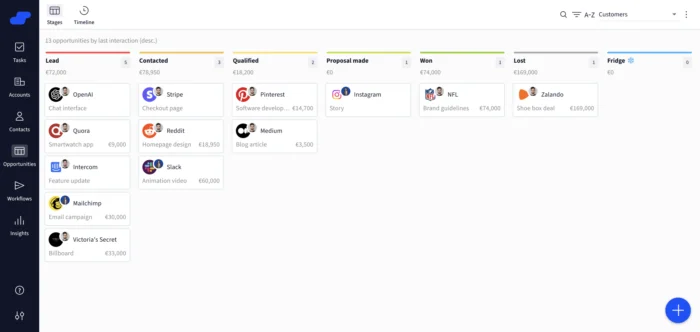
Salesflare’s primary mission is to eliminate manual admin. It automatically pulls data from your email and calendar.
Best For: Small B2B teams and consultants who hate manual logging.
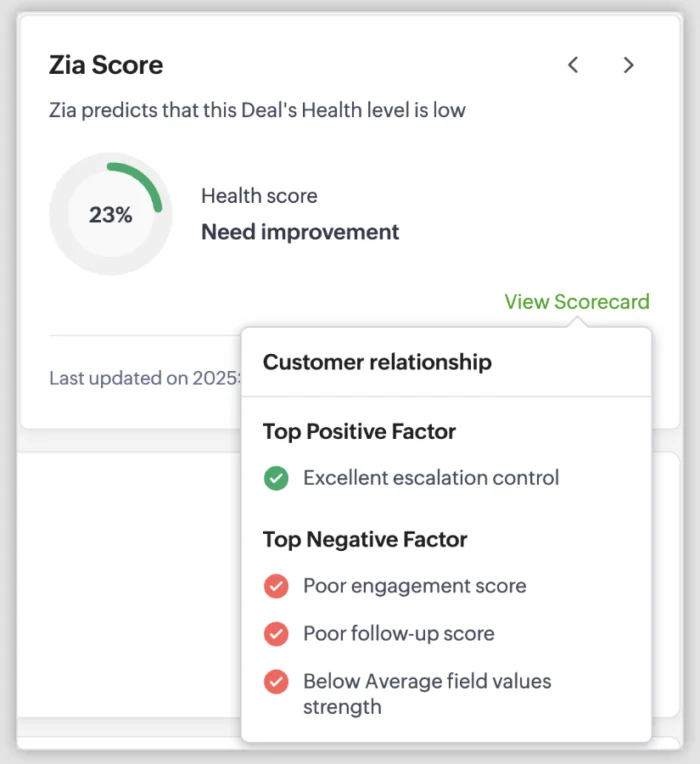
Zoho offers nearly everything Salesforce does, but at a fraction of the cost. It’s worth it for teams who perhaps want to dip their toe into sales software but aren’t sure whether they want to commit.
Best For: Budget-conscious teams that still require advanced automation.
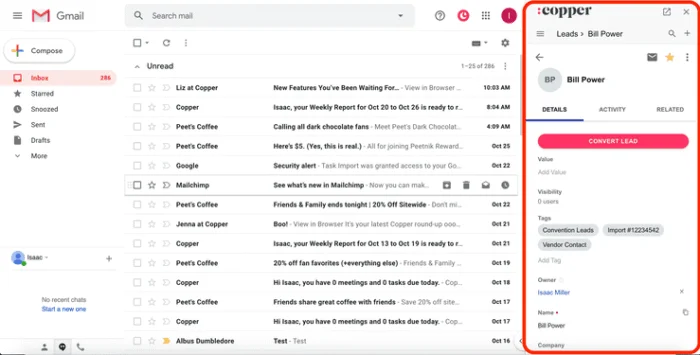
If your team uses Gmail and Google Calendar, Copper is the only CRM officially recommended by Google, thanks to seamless integration.
Best For: Google-centric agencies and tech startups who are used to that platform.
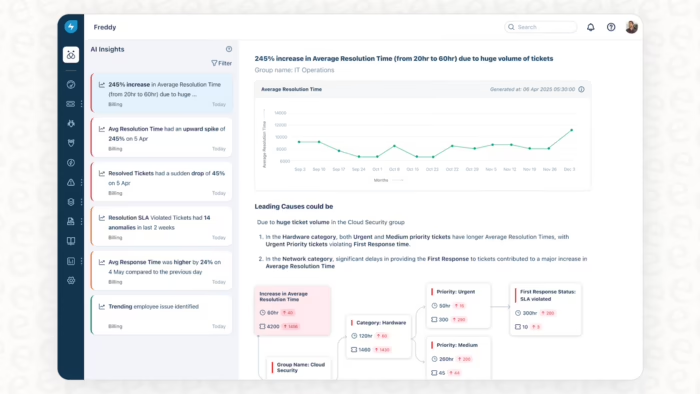
Part of the Freshworks family, Freshsales uses Freddy AI to score leads and provide next-step guidance.
Best For: Teams seeking a simple interface with smart deal suggestions.
Close is built for teams that spend their entire day on the phone or sending high-volume email sequences.
Best For: SDRs and BDRs focused on outbound prospecting.

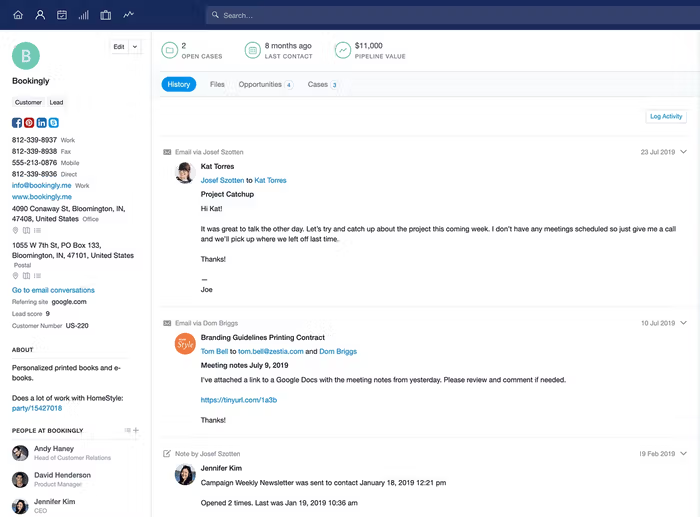
Capsule is focused on the human side of selling, managing the history of a relationship, not just a transaction.
Best For: Boutique agencies and relationship-focused service providers.
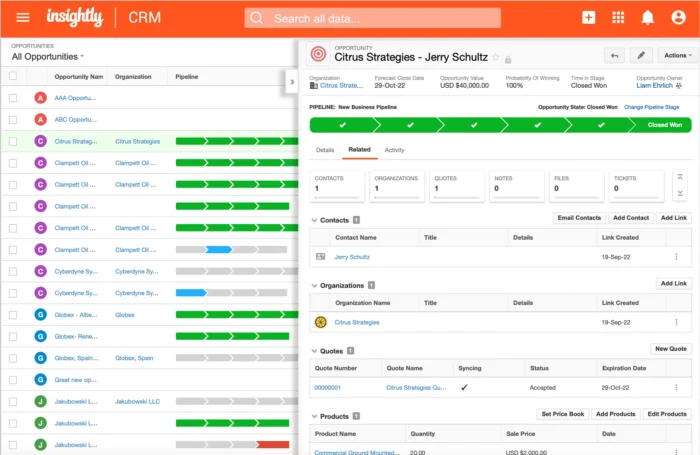
Insightly is unique because it bridges the gap between winning a deal and delivering the work.
Best For: Businesses where Closed Won is just the beginning of a complex project.
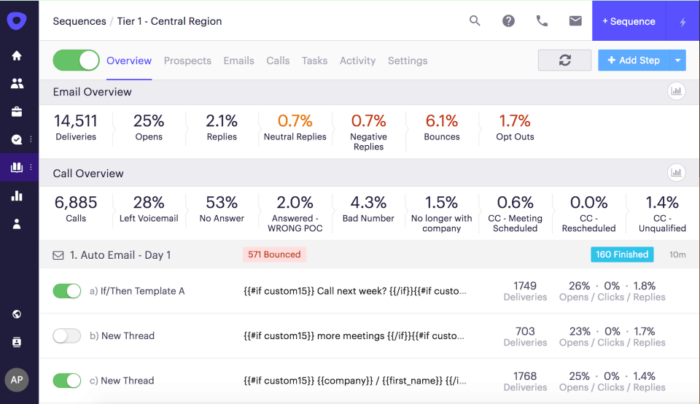
Technically, a sales engagement tool that sits on top of your CRM, Outreach is essential for managing enterprise-scale pipelines.
Best For: Large sales organizations running sophisticated, multi-channel outreach.
If you’ve ever stared at a 500-row spreadsheet and felt your eyes glaze over, you already know the problem with traditional data. Lists are great for storage; they are terrible for execution! In sales environments these days, the best software for sales pipeline management is inherently visual.
When you choose Kanbanchi as the tool that sits alongside your sales pipeline management software, you’ll get all the visual elements you need, plus lots of other great features. We’ll outline these next.
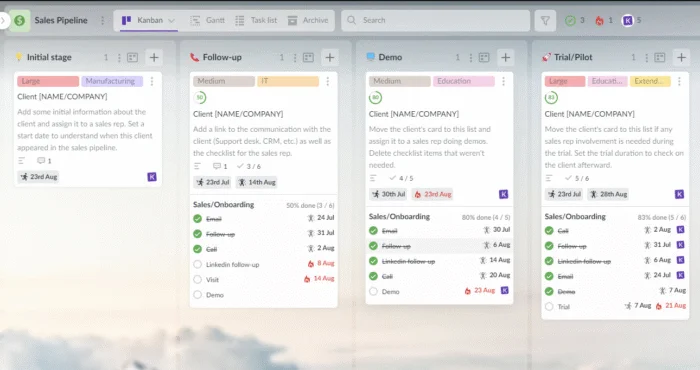
Why does the Kanban style win every time?
You can immediately see whether 80% of your deals are stuck in Negotiation. In a list view, that’s just a sea of text.
Visual cues (like card aging or color-coded priority) scream for attention. Stale deals can’t hide in the middle of a scroll.
Our brains process visuals 60,000 times faster than text. For a busy sales rep, this means less time deciphering data and more time closing it.
While enterprise CRMs like Salesforce are powerful, they often feel like overkill for teams that already live in Google Workspace or a Microsoft environment.
This is where Kanbanchi changes the game. It doesn’t just track your sales; it integrates them into your actual workday.
The biggest revenue leak happens during the handoff from Sales to Customer Success. The Kanbanchi Secret? Once a deal is won, you don’t just archive it. You move the card to a Customer Onboarding board. The history, the files, and the context move with it.
A deal isn’t done until the customer is satisfied with what they’ve received and has given you feedback. Then it’s a job well done, and you can move on to the next winning project.
For example, here at kanbanchi we don’t even separate Sales and Customer Success. I am a Head of Sales and Customer Success, because one is not good without the other. If you sell and don’t make sure your customers succeed with your product, you end up with high churn. If all your clients are very good with your product, but only with the free part of it, then you need to re-think what value you want to actually sell.
– Olga, Head of Sales and Customer Success at Kanbanchi.
Kanbanchi ensures the ball is never dropped. So why settle for a CRM that stores data when you can have a Work OS that drives momentum?
With dozens of options on the table, the best software isn’t the one with the most features; it’s the one your team actually uses.
To help you decide, use our checklist to evaluate your top contenders. If a tool can’t tick at least four of these boxes, it’s likely going to become digital shelfware for tech decoration purposes only.
In 2026, static data is dead. Your software must alert you when a prospect opens an email, visits your pricing page, or changes jobs.
Look for autonomous data capture. Your reps should never have to manually log a Gmail thread or a Google Calendar invite.
You should be able to identify a bottleneck (e.g., Why are 40 deals stuck in Discovery?) in under five seconds.
If you use Drive, Docs, and Sheets, your pipeline tool should allow you to attach and view these files without leaving the app.
The best tools allow you to seamlessly flip a Closed Won deal into an onboarding project, ensuring no data is lost in the handoff.
And this is where Kanbanchi can fit neatly into your team’s plans. Whichever sales pipeline software solution you choose, you can rely on our platform to plug any gaps and add a seamless layer of integration to your work.
Whether you need a platform to:
We can help you make the most of your sales pipeline. Kanbanchi is a Google-native program that works with existing systems to enhance them. Once all that’s tackled, you can concentrate on delivering results and not worrying about whether you’ve got a software program that will keep up with the demands of your team and their workflow.
As we end our roundup, we’ll take a look at some of the commonly asked queries customers have about making the most of their sales pipeline management. Don’t see your question here? Get in touch with us, and we can chat with you about your needs.
Think of the funnel as the buyer’s journey (the “what” and “how” they feel), while the pipeline is the seller’s internal process (the “actions” you take to move them). A funnel measures conversion rates; a pipeline manages deal velocity.
Most high-performing teams stick to 5–7 stages. Any more, and your data becomes granular and confusing; any fewer, and you lose the ability to spot specific bottlenecks.
Yes, but don’t over-complicate it. For smaller teams, AI is most valuable for sentiment analysis (spotting if an email sounds “unhappy”) and automated follow-up reminders, which prevent deals from going cold.
Tools like HubSpot offer robust free tiers, and you can even use a visual board in Kanbanchi to manage a pipeline for free. However, as you scale, you’ll likely want to invest in paid automation features to save your team time.


In this Article:
Start using Kanbanchi now
Start your free trial