
In this Article:
Try Kanbanchi now
Start your free trial


When work moves through a team, the real challenge is rarely creating more tasks. It is knowing which tasks matter, who owns them, what is blocked, and whether the team is still on track to deliver.
That is where teamwork task management becomes a leadership system, not just a shared to-do list. For a small team of five, it prevents priorities from living in private chats. For an enterprise team, it gives managers and executives a reliable way to understand progress without interrupting everyone for updates.
The goal is simple: create a shared view of work that helps people act faster, not a reporting layer that slows them down. The best task management approach improves visibility at the same time it improves delivery.
A busy task board can still hide delivery risk. If every column is full but no one can tell which tasks affect the launch date, visibility is superficial. Leaders need to see more than activity. They need to understand flow, ownership, priority, dependencies, and timing.
Good visibility answers practical questions:
When these answers are visible, teams reduce status meetings and improve decision speed. When they are hidden, teams rely on memory, email searches, and repeated follow-ups.
Many delivery problems start with different people working from different versions of the truth. A project manager may have a spreadsheet. A department lead may have a slide deck. Team members may be coordinating via email, chat, or personal notes.
This creates friction. Priorities change without everyone noticing. Files get separated from tasks. A dependency is discovered only after someone misses a deadline. The team is not necessarily disorganized, but the system makes coordination harder than it needs to be.
A shared task management process gives everyone one operating view. It does not remove the need for leadership judgment, but it makes that judgment easier because the facts are easier to find.
Task visibility should be designed around decisions. A business owner, team lead, or project manager does not need every detail all the time. They need the right signals at the right level.
| Visibility layer | What it shows | Why it improves delivery |
|---|---|---|
| Work intake | New requests, ideas, and approved tasks | Prevents hidden work from entering the system informally |
| Ownership | The person or team responsible for each task | Reduces confusion and duplicate effort |
| Workflow status | Where the task is in the process | Makes bottlenecks and stalled work easier to spot |
| Priority | What should be handled first | Helps teams protect focus when everything feels urgent |
| Timeline | Start dates, due dates, milestones, and dependencies | Connects daily tasks to delivery commitments |
| Effort and time | Time spent or expected effort | Supports planning, workload review, and future estimates |
These layers work together. A due date without ownership is weak. A priority without a timeline is vague. A status update without context may look positive even when the schedule is slipping.
Teams often resist task tracking when it feels like surveillance. The difference is intent. Micromanagement asks why someone is not busy every minute. Effective task visibility asks what the team needs to deliver better.
A healthy system makes blockers easier to raise, not easier to blame. It helps people clarify expectations before work begins. It gives leaders enough context to remove obstacles instead of constantly requesting updates.
If your organization already struggles with work spread across teams, it can help to review practical approaches for managing tasks across teams without losing visibility, especially when multiple departments contribute to the same outcome.
A task system breaks down when work is captured in too many places. If requests arrive through email, chat, meetings, documents, and spreadsheets, teams need a clear rule for where work becomes official.
That does not mean every conversation must happen inside a task card. It means every piece of actionable work should eventually be represented in the shared system. The task card becomes the reference point for ownership, dates, files, decisions, and progress.
This is especially important in Google Workspace and Microsoft 365 environments, where teams often collaborate across documents, calendars, email, and shared drives. The closer task management sits to those daily tools, the easier it is for people to keep the system accurate.
A task without an owner is a risk disguised as a task. Even when several people contribute, one person should be accountable for moving the work forward.
Clear ownership does not mean one person does all the work. It means the team knows who coordinates next steps, follows up on dependencies, and updates the status. For leaders, this prevents the common problem of group responsibility becoming no responsibility.
A simple ownership standard works well: every active task has one clear owner, a due date where relevant, and enough context for someone else to understand the current state.
Visual workflows are powerful because they turn abstract progress into something people can understand quickly. But statuses only work if they mean the same thing to everyone.
For example, In Progress should not mean someone plans to start soon. Review should not mean waiting indefinitely for a decision. Done should mean the task has met the agreed completion criteria.
If your team uses a Kanban-style workflow, keep the first version simple. Common columns such as To Do, In Progress, Review, Blocked, and Done are often enough. Over time, you can add detail where the workflow genuinely needs it.
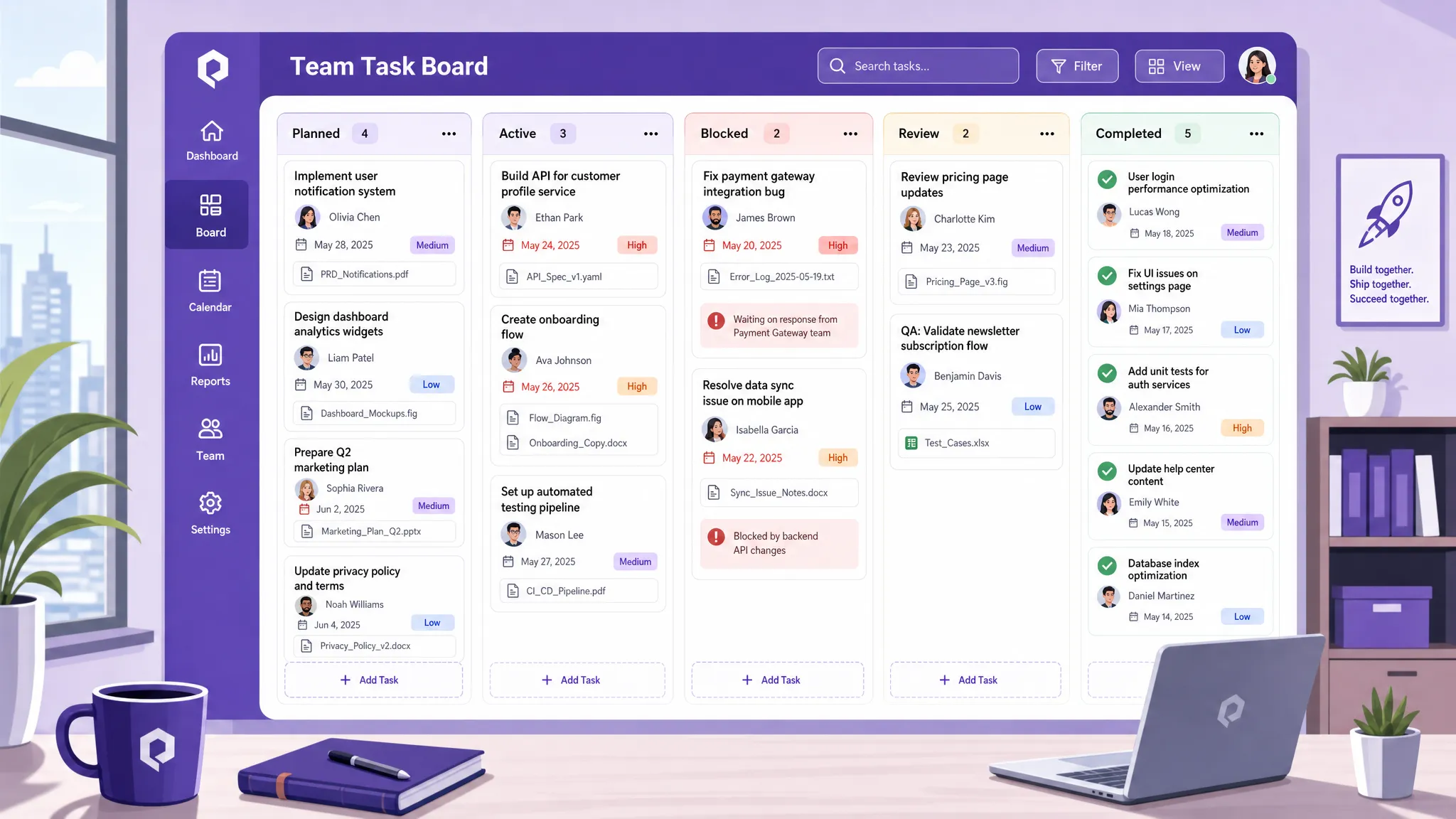
A task board shows flow, but many delivery commitments depend on time. Product launches, client onboarding, marketing campaigns, audits, hiring plans, and implementation projects all need schedule visibility.
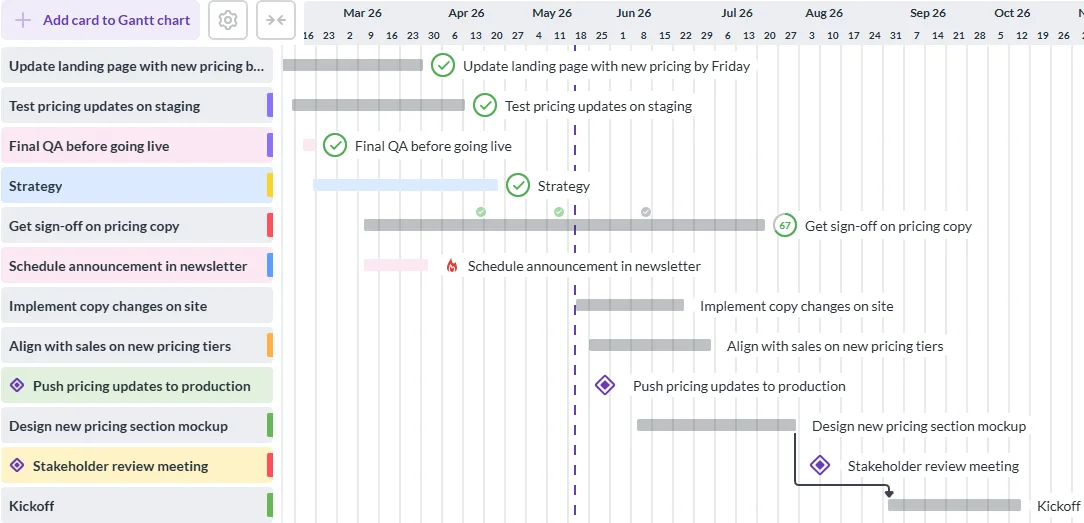
This is where a timeline or Gantt chart adds value. It helps leaders see how tasks relate to each other, which deadlines are approaching, and whether the plan still makes sense. A board may show that work is moving, but a timeline shows whether it is moving fast enough.
For teams that manage both daily execution and longer project schedules, switching between a board view and a timeline view can prevent blind spots. The board supports action. The timeline supports planning.
Time tracking is not necessary for every task in every team. But it becomes valuable when leaders need to understand capacity, improve estimates, measure project cost, or identify where work is taking longer than expected.
For example, if a team consistently spends more time on review than on execution, the issue may not be productivity. It may be unclear requirements, too many approval layers, or missing decision-makers. Time data helps leaders improve the system instead of guessing.
The key is to track time with a purpose. Use it to improve planning and reduce overload, not to create a culture of minute-by-minute justification.
Delivery slows down when people have to search for the latest file, decision, comment, or requirement. A strong task management system keeps work and context together.
This matters for hybrid and distributed teams. A person in another time zone should be able to open a task and understand what is needed, what has already happened, and where the related files are stored.
When tasks, files, dates, comments, and checklists stay connected, handoffs become smoother. The team spends less time reconstructing context and more time completing work.
For a broader look at how software can reduce handoff delays and scattered information, Kanbanchi has also covered task management software that helps teams move faster.
Not every team needs the same workflow. A leadership team may care about milestones and dependencies. A support team may care about queues and response status. A marketing team may need campaign calendars, approvals, and asset attachments.
The best teamwork task management setup gives each team a useful view while preserving a shared structure for reporting and coordination.
| View or feature | Best for | Delivery benefit |
|---|---|---|
| Kanban board | Daily task flow, ownership, and status | Makes current work visible and easier to prioritize |
| Gantt chart | Projects with deadlines and dependencies | Shows how schedule changes affect delivery |
| List view | Fast scanning, filtering, and task review | Helps managers review large volumes of work |
| Time tracking | Capacity planning and estimate improvement | Reveals where effort is actually going |
| Calendar sync | Date-driven work and personal planning | Keeps deadlines visible in daily schedules |
| Reports or data export | Leadership review and portfolio oversight | Supports decisions based on current task data |
The point is not to use every view all the time. The point is to match the view to the decision the team needs to make.
Visual workflows are especially useful because they reduce the cognitive load of understanding work. A leader can scan a board and see blocked tasks. A team member can see what is waiting for review. A project manager can identify whether too much work is active at once.
This is why many organizations move away from static spreadsheets for active task management. Spreadsheets can store information, but they often require manual interpretation. Visual project systems make status, movement, and bottlenecks easier to understand in the moment.
Task management software only works if the information stays current. That does not require constant updating. It requires a rhythm the team can maintain.
A weekly planning session can confirm priorities and deadlines. A short daily or twice-weekly check can surface blockers. A monthly review can examine workload, cycle time, delayed tasks, and recurring delivery risks.
For small teams, this rhythm can be lightweight. For larger organizations, it may need team-level reviews and leadership-level summaries. In both cases, the habit is the same: use the task system as the source of truth, not a separate reporting exercise.
Blocked work is one of the most important signals in a task management system. A blocked task tells leaders where intervention may be needed.
Teams should agree on what counts as blocked. Waiting for a customer response, missing information, unclear approval, unavailable resources, and unresolved dependencies are all common examples. Once a task is marked blocked, it should be clear who can help remove the blocker.
The faster blockers become visible, the less likely they are to become missed deadlines.
Reports should help leaders make decisions. Too many dashboards become decorative, showing activity without clarifying action.
Useful reporting often starts with a few practical questions:
These questions connect visibility to delivery. They help leaders adjust priorities, reassign work, clarify scope, or change timelines before problems become harder to fix.
Adoption is easier when task management works where the team already works. For Google Workspace teams, that often means integration with Google Drive, Gmail, Google Calendar, and Shared Drives. For Microsoft 365 teams, compatibility with OneDrive and SharePoint can be important.
The less friction people experience when attaching files, creating tasks, checking dates, and sharing updates, the more likely the system is to stay reliable.
A small team may begin with a basic board and a few columns. As the organization grows, it may need timelines, time tracking, templates, reporting, subcards, swimlanes, and more advanced permissions or storage policies.
Choosing software that can support both simple and structured workflows helps avoid the need to replace the system as your team matures.
Business owners and enterprise leaders also need to consider data security, compliance expectations, and how files are stored or shared. This is especially important when project tasks include client information, internal documents, contracts, financial data, or operational plans.
A task management tool should fit the organization’s existing security model rather than forcing teams to create risky workarounds.
The main value is not the number of features alone. It is the ability to create a shared, visible workflow that supports how the team actually delivers work.
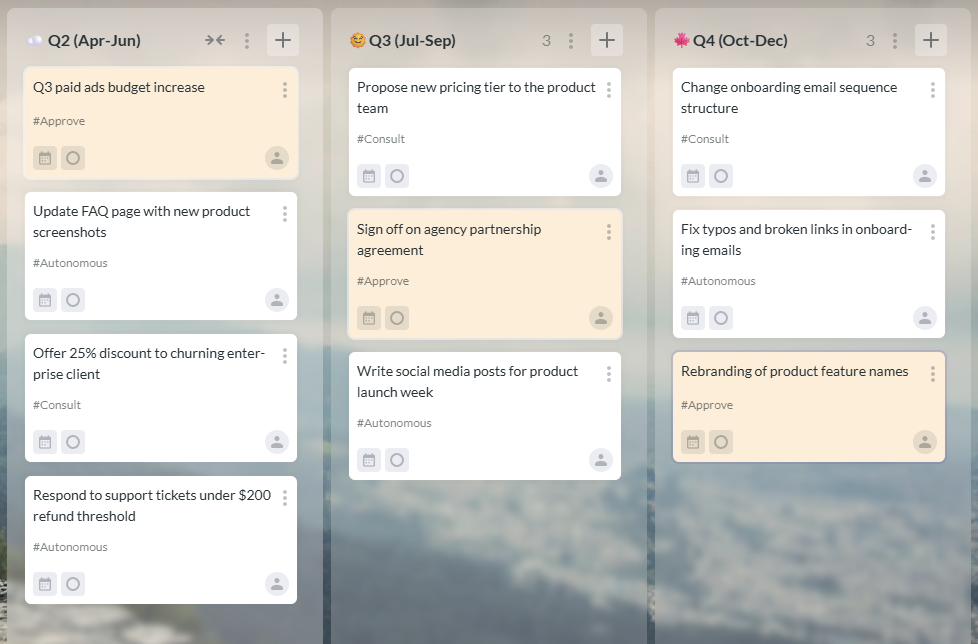
Kanbanchi is designed as a project and task management tool for Google Workspace. Teams can create and share project boards, organize work with cards, attach files from Google Drive and Shared Drives, add events to Google Calendar, and create cards from Gmail.
For teams already using Google Workspace, this helps reduce the gap between where work is discussed and where work is managed. Tasks, files, dates, and updates can stay connected in a shared workflow.
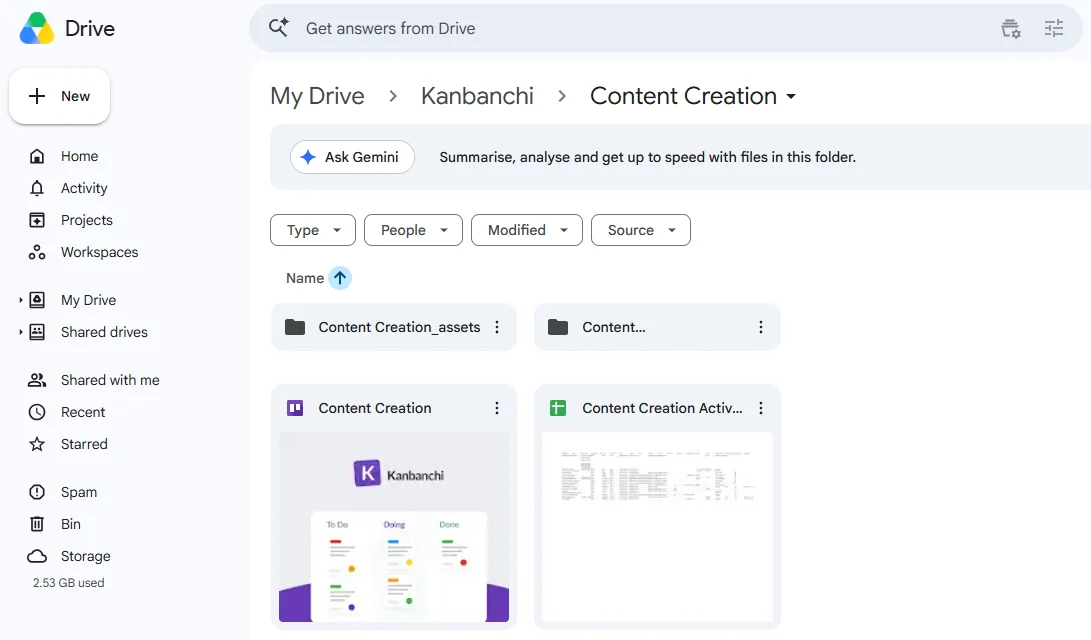
Kanbanchi combines Kanban boards with Gantt chart planning and time tracking. That means teams can manage daily work visually, review schedules and dependencies, and track time when effort data is useful for planning or reporting.
It also supports features such as task prioritization, templates, subcards, swimlanes, list view, data export to Google Sheets, and reporting connections to tools such as Google Looker Studio. These capabilities can help teams move from simple task tracking to a more complete delivery system.
Kanbanchi also offers Microsoft 365 compatibility, including integration with OneDrive and SharePoint. For organizations that work across Microsoft 365, this can help teams apply similar task management principles while keeping files connected to the workspace they use.
Sign up for a free Kanbanchi trial
Teamwork task management is the process of organizing, assigning, tracking, and completing work across a team. It usually includes shared task boards, clear ownership, workflow statuses, priorities, deadlines, files, comments, and reporting, so everyone can understand what is happening and what needs attention.
Task management improves visibility by bringing work into one shared system. Leaders and team members can see task status, owners, blockers, priorities, and timelines without searching through emails, spreadsheets, or separate documents.
Task visibility shows the status of individual pieces of work. Project visibility shows how those tasks contribute to larger goals, milestones, deadlines, and risks. Strong delivery management needs both, because projects are delivered through tasks.
A Kanban board is useful for many teams because it makes workflow status easy to understand. However, some teams also need list views, calendar views, Gantt charts, or reports. The best setup depends on the type of work and the decisions the team needs to make.
Leaders can prevent micromanagement by focusing on outcomes, blockers, priorities, and delivery risks rather than monitoring every small action. The system should help teams coordinate and get support, not create unnecessary pressure or administrative work.
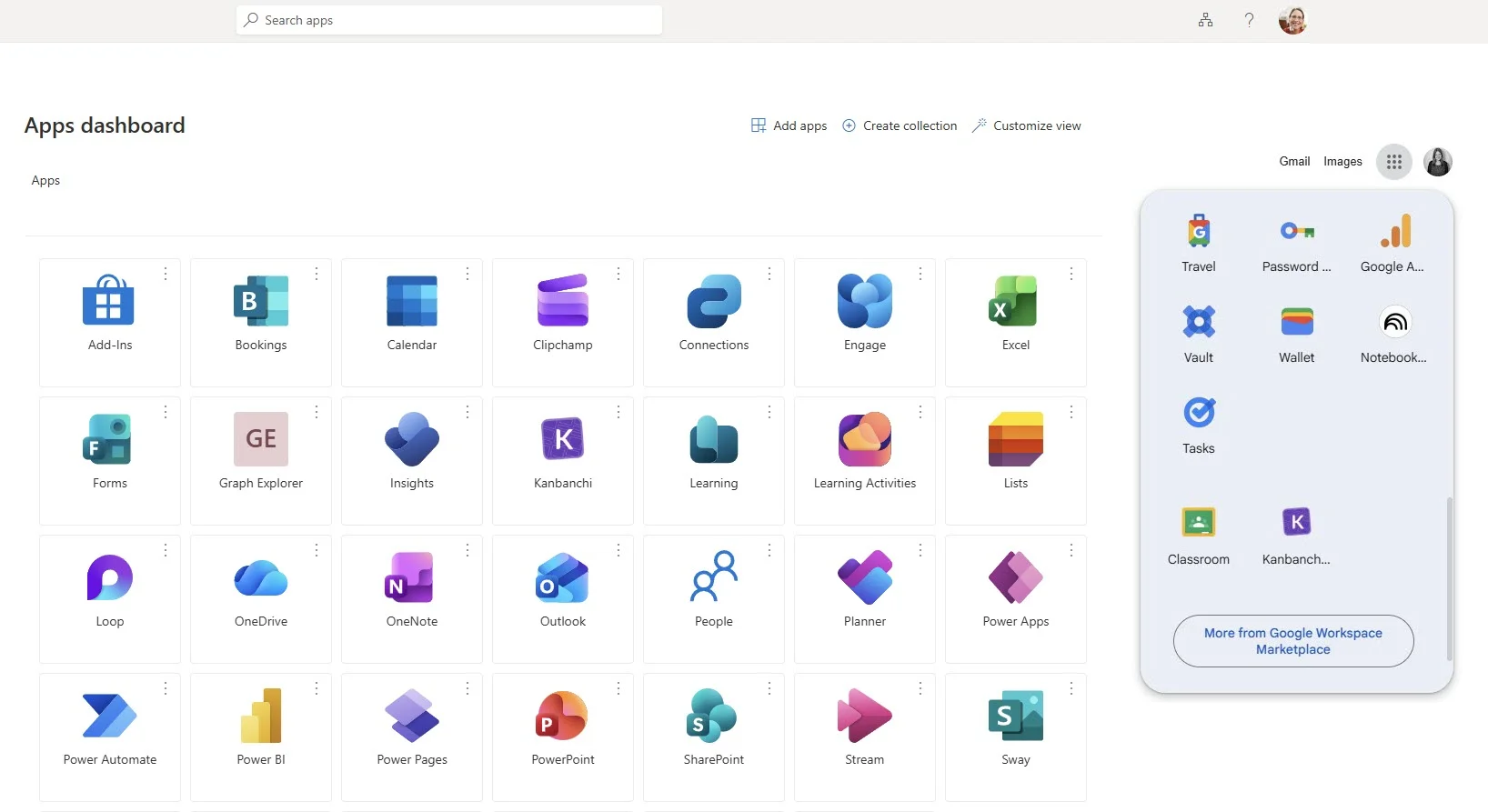
If your team works in Google Workspace or Microsoft 365, Kanbanchi can help you bring tasks, files, timelines, and time tracking into a more visible workflow. It gives teams a practical way to manage daily execution while giving leaders the context they need to support delivery.
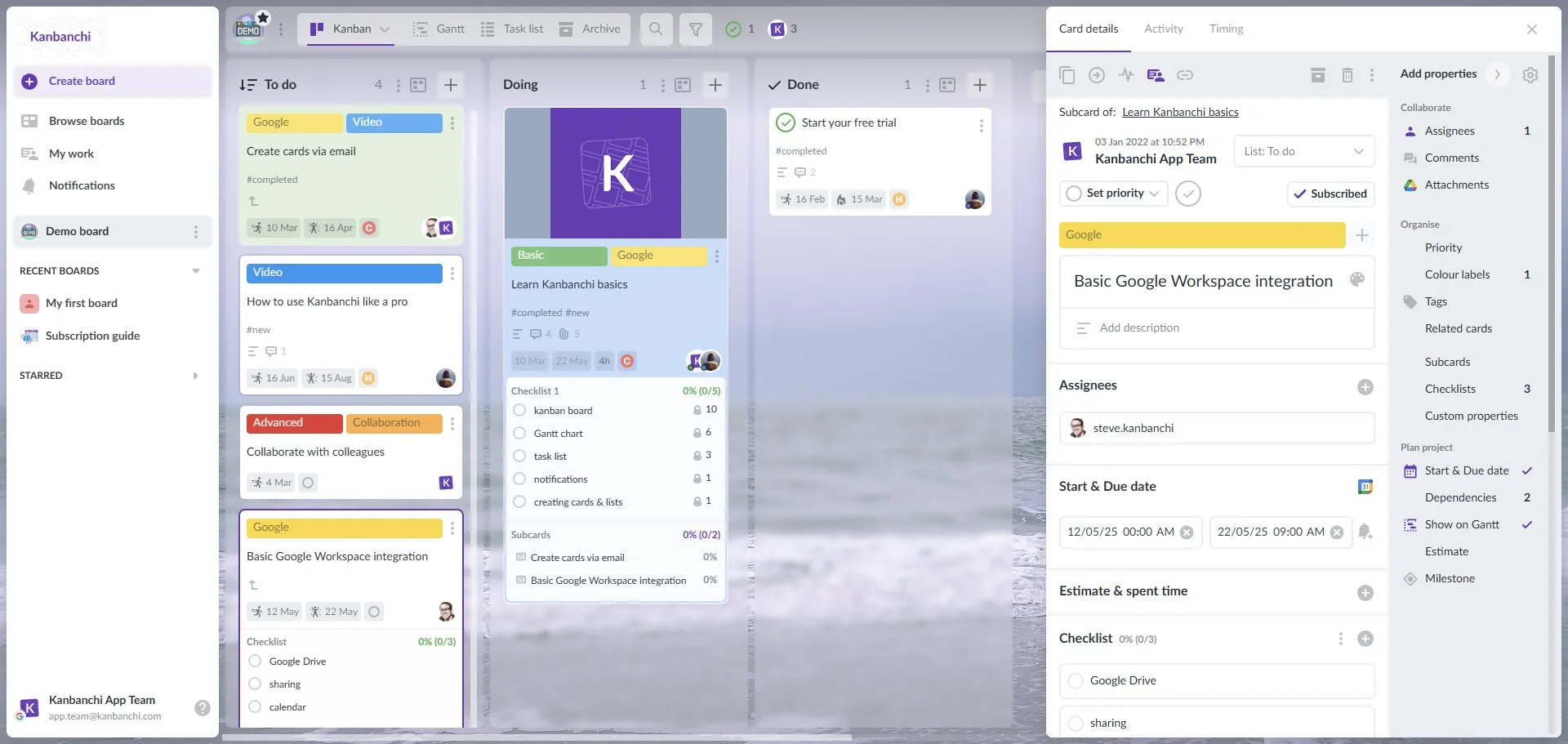
Explore Kanbanchi to see how visual boards, Gantt charts, time tracking, and workspace integrations can help your team organize work with more clarity and deliver with more confidence.


In this Article:
Start using Kanbanchi now
Start your free trial