
In this Article:
Try Kanbanchi now
Start your free trial


Remote teams rarely lose productivity because people work from home. They lose it because work is scattered across chat threads, meetings, spreadsheets, inboxes, and disconnected documents. By the time a manager asks for a status update, the team has already spent too much energy simply finding the truth.
That is why the best productivity apps for remote teams are not just more apps. They are the tools that make work visible, reduce unnecessary meetings, support asynchronous collaboration, and integrate with the systems your team already uses.
If you are rethinking how your distributed team works this year, it is also worth reviewing the broader shift toward async-first coordination in these remote work practices for 2026. The right app stack should support that shift, not fight against it.
Read Productivity Apps Explained: Types, Features, and Best Tools to learn more about different kinds of productivity apps.
Remote work has matured. Teams are no longer looking for quick fixes or temporary work-from-home tools. They need dependable systems that scale from a small team of 3 to 5 people to multiple departments and enterprise environments.
A productivity app should answer basic questions without requiring another meeting:
If a tool does not make those answers easier to find, it may be adding noise instead of reducing it.
Remote teams do not need every decision to happen live. The best apps support comments, updates, notifications, recordings, shared documents, and structured handoffs so people can move work forward across time zones.
This does not mean replacing every meeting. It means reserving meetings for decisions, conflict resolution, creative discussion, and relationship building while letting routine updates happen asynchronously.
For most business teams, the productivity stack starts with either Google Workspace or Microsoft 365. A great remote productivity app should work where your files, calendars, identities, and communication already live.
This matters for adoption. If employees have to copy information between systems, create duplicate folders, or update the same task in three places, productivity will drop quickly.
Remote work expands the number of places where work happens. Leaders need tools that support secure collaboration, appropriate access, and compliance expectations. This is especially important when teams share files with external partners, clients, contractors, or distributed departments.
The best stack depends on your team’s size, workflow, and existing software environment. The table below gives a practical starting point.
| App | Best for | Why it helps remote teams |
|---|---|---|
| Kanbanchi | Project and task management | Gives teams visual boards, timeline planning, time tracking, and deep Google Workspace or Microsoft 365 integration |
| Slack | Team messaging | Organizes fast communication into channels and supports async updates better than email alone |
| Microsoft Teams | Communication for Microsoft 365 teams | Combines chat, meetings, files, and calls for organizations already working in Microsoft’s ecosystem |
| Google Meet | Video meetings | Keeps live collaboration simple for Google Workspace teams |
| Loom | Async video updates | Replaces some meetings with short recorded explanations, walkthroughs, and updates |
| Notion | Knowledge management | Centralizes team documentation, processes, notes, and internal wikis |
| Miro | Visual collaboration | Helps remote teams brainstorm, map workflows, and run workshops visually |
| Calendly | Scheduling | Reduces back-and-forth when booking internal or external meetings |
| Zapier | Workflow automation | Connects apps and automates repetitive handoffs between tools |
| 1Password | Password and access management | Helps distributed teams manage secure access without slowing down work |

Kanbanchi is a strong fit for teams that want remote work to be organized around visible tasks, clear ownership, and connected project planning. It is an all-in-one project and task management tool designed for Google Workspace and Microsoft 365, which makes it especially useful for organizations that already rely on Google Drive, Shared Drives, OneDrive, SharePoint, Gmail, Google Calendar, or Microsoft-based file systems.
For remote teams, the biggest advantage is that Kanbanchi brings the core work management layers together. Teams can use Kanban boards to track tasks, Gantt Chart views to plan timelines, time tracking to understand effort, and reports or exports to support management visibility. Cards can include assignments, due dates, checklists, comments, attachments, tags, priorities, and subcards, helping teams keep context close to the work itself.
Kanbanchi is particularly helpful when leaders need to see more than a simple task list. A remote marketing team can manage campaigns by stage. An operations team can track recurring work with templates. A project manager can switch from board view to a Gantt Chart to understand timing and dependencies. A department head can use time tracking and exported data to understand workload and progress.
Plan, prioritize, and manage your projects effortlessly with Kanbanchi - the all-in-one project management tool built for Google Workspace users.
Get a free trial
Because boards can connect with Google Drive and Shared Drives, teams can keep files attached to the right work items instead of searching through chat history or email. Gmail task creation and Google Calendar sync are useful for teams that already live inside Google Workspace. For larger organizations, enterprise-level security, compliance expectations, shared drive usage, backups, and administrative control are often just as important as the board itself.
If your main buying question is project visibility for distributed teams, you may also want to compare broader options in this guide to project management software for remote teams.
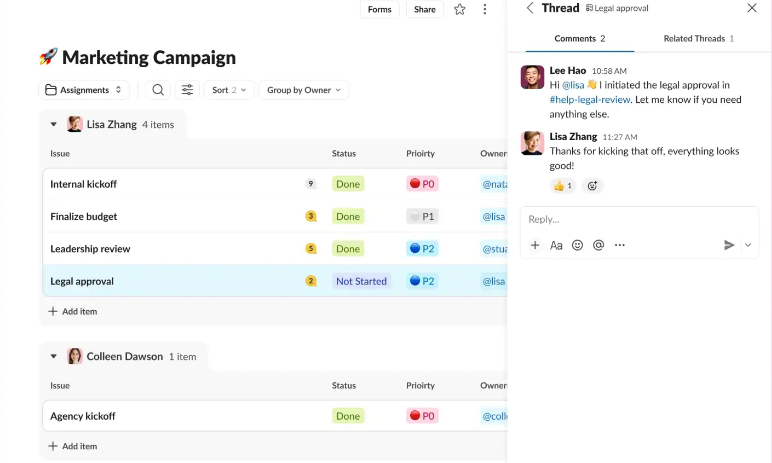
Slack is best for teams that need fast, channel-based communication across departments, projects, and working groups. It is especially useful when remote teams want to move away from long email chains and keep discussions grouped by topic.
The productivity value of Slack depends on how disciplined the team is. Used well, it can make collaboration faster through channels, threads, integrations, and searchable conversations. Used poorly, it becomes an always-on interruption machine. Remote leaders should define channel naming rules, response expectations, and when to move a discussion into a task, document, or meeting.
Slack works best as a communication layer, not as the source of truth for project status. Important decisions and tasks should still be captured in a project management tool or shared documentation system.
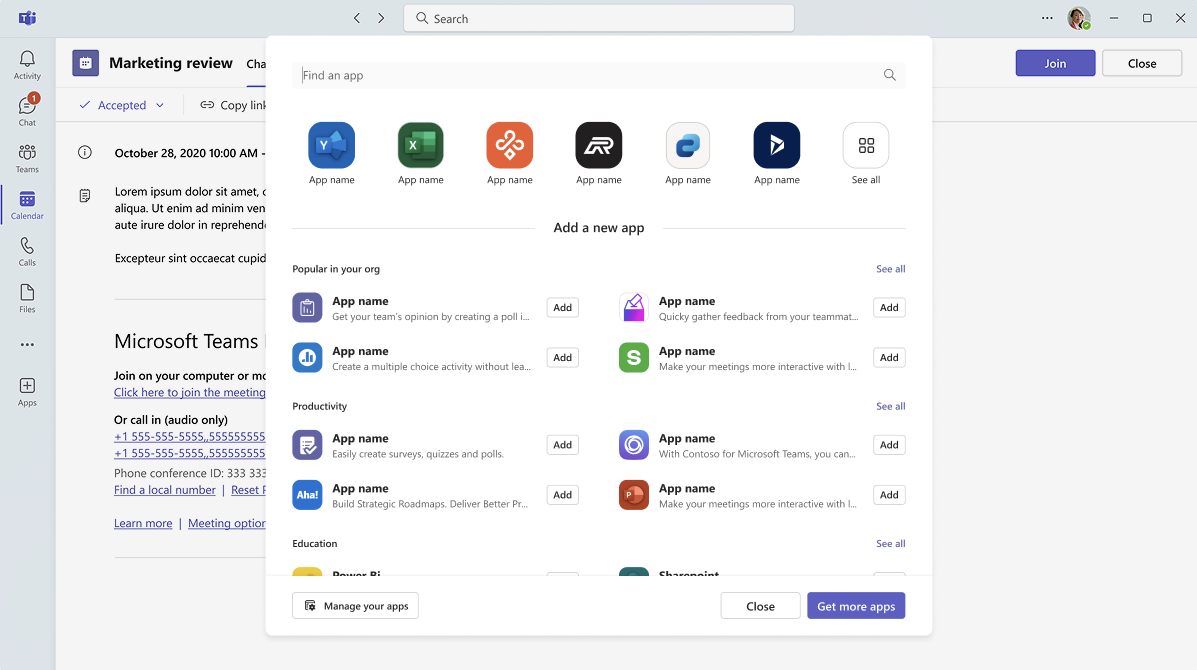
Microsoft Teams is a natural choice for companies already standardized on Microsoft 365. It combines chat, meetings, calling, and file collaboration, which can reduce tool sprawl for organizations that want a more consolidated communication environment.
For remote teams, Teams is especially useful when work happens inside Word, Excel, PowerPoint, OneDrive, and SharePoint. Files, meeting notes, and discussions can stay closer together, which helps reduce context switching.
As with any communication platform, governance matters. Teams, channels, chats, and files can become messy without clear ownership. Companies should define how departments create workspaces, how long information should live in chat, and which decisions need to move into formal documentation or task tracking.
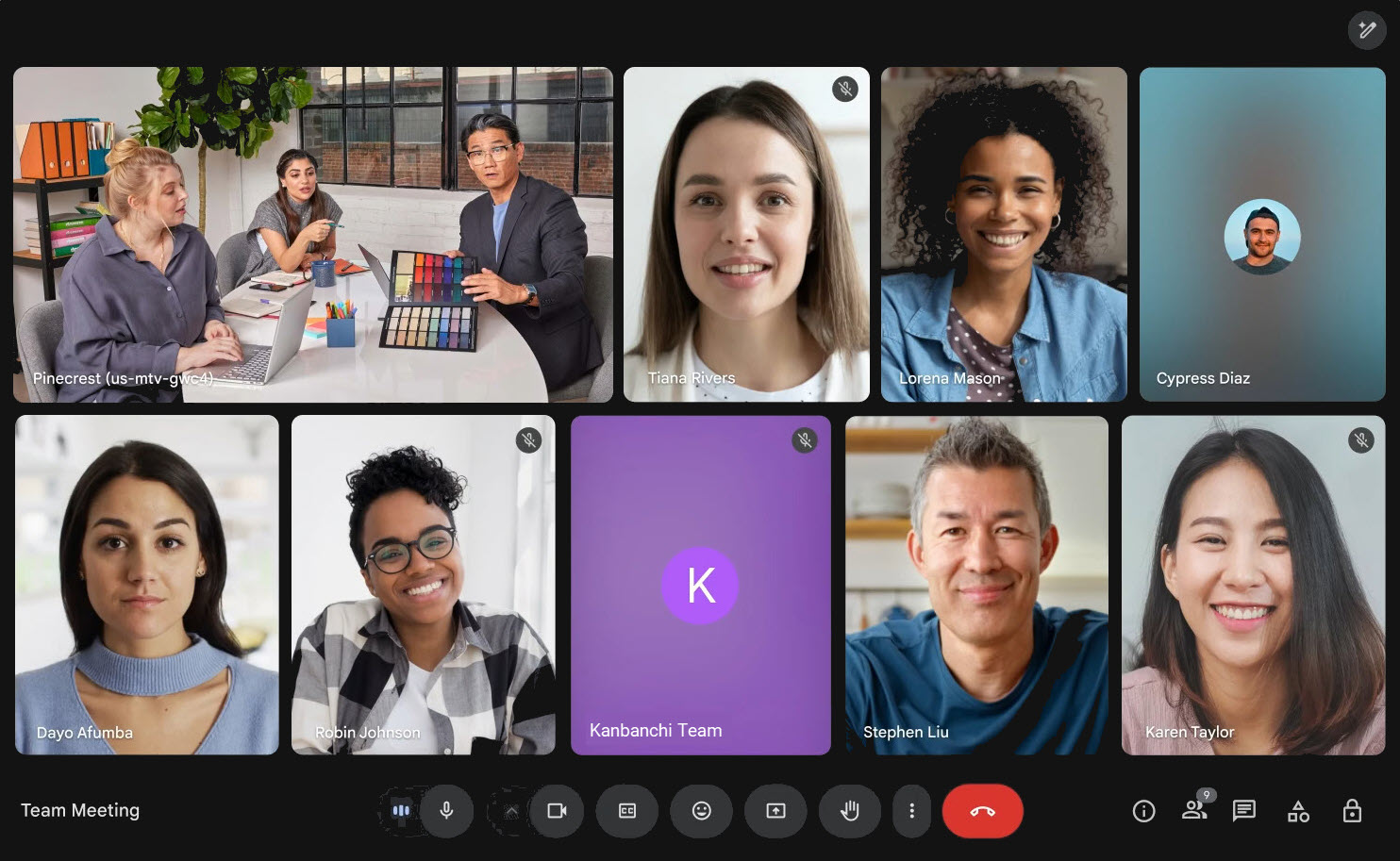
Google Meet is a practical video meeting tool for teams that already use Google Workspace. It is easy to launch from Google Calendar, works well for recurring team meetings, and supports the basic live collaboration needs of distributed teams.
The key is not to use video as the default answer to every uncertainty. Remote teams should be intentional about meeting design. A good rule is to use live meetings for discussions that benefit from real-time exchange, then use tasks, documents, and async updates for everything else.
For Google Workspace teams, Google Meet pairs naturally with Google Calendar, Google Docs, and Kanbanchi boards, creating a simple flow from discussion to documented action.
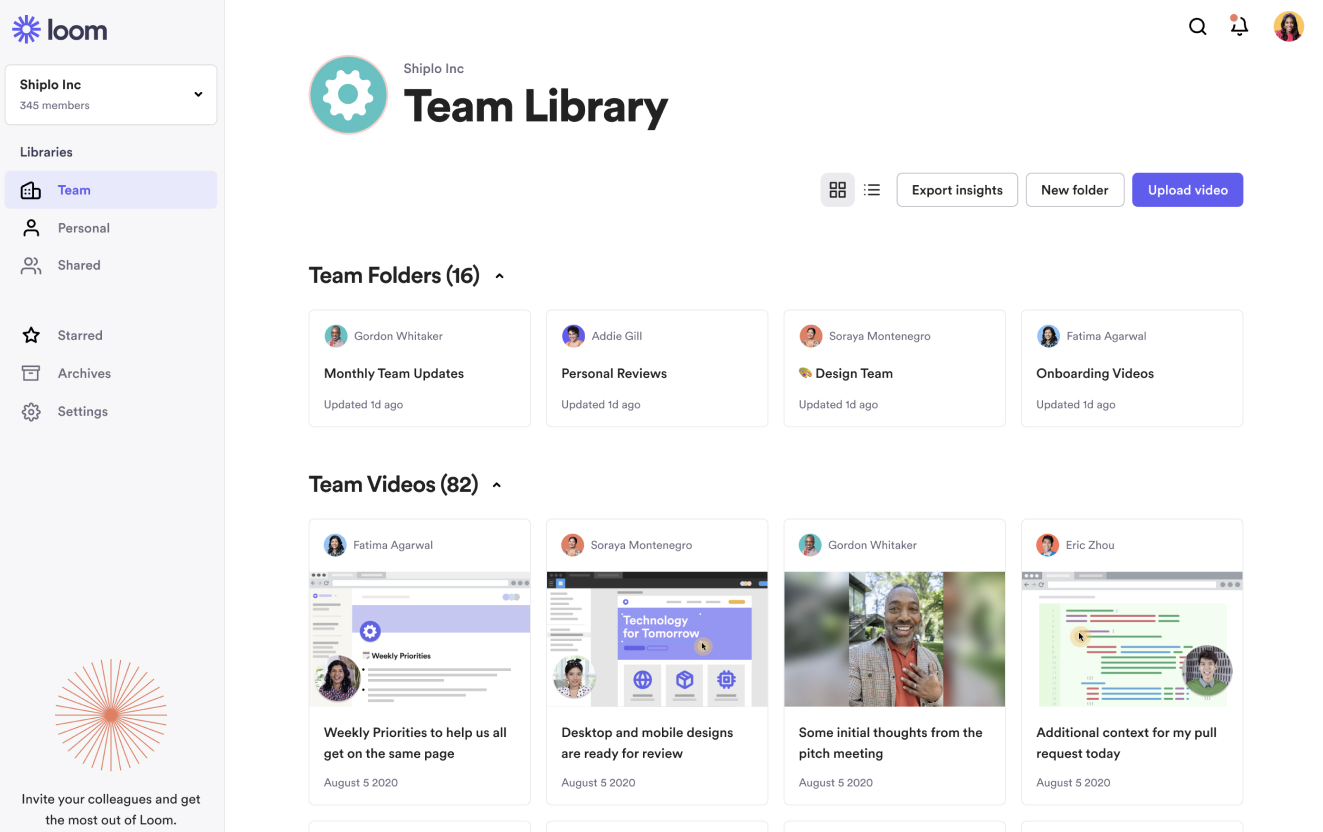
Loom is valuable for remote teams because it turns some meetings into short async videos. A manager can record a weekly update, a product lead can explain a requirement, a designer can walk through a concept, or a support lead can show how to reproduce an issue.
The productivity win is context. Text is efficient, but it can be hard to explain visual work, nuanced feedback, or complex steps in writing. A short video can save a meeting while still giving teammates enough detail to act.
The best remote teams use async video with boundaries. Videos should be concise, named clearly, and linked from the relevant task, document, or project board so they do not disappear into a separate content library.
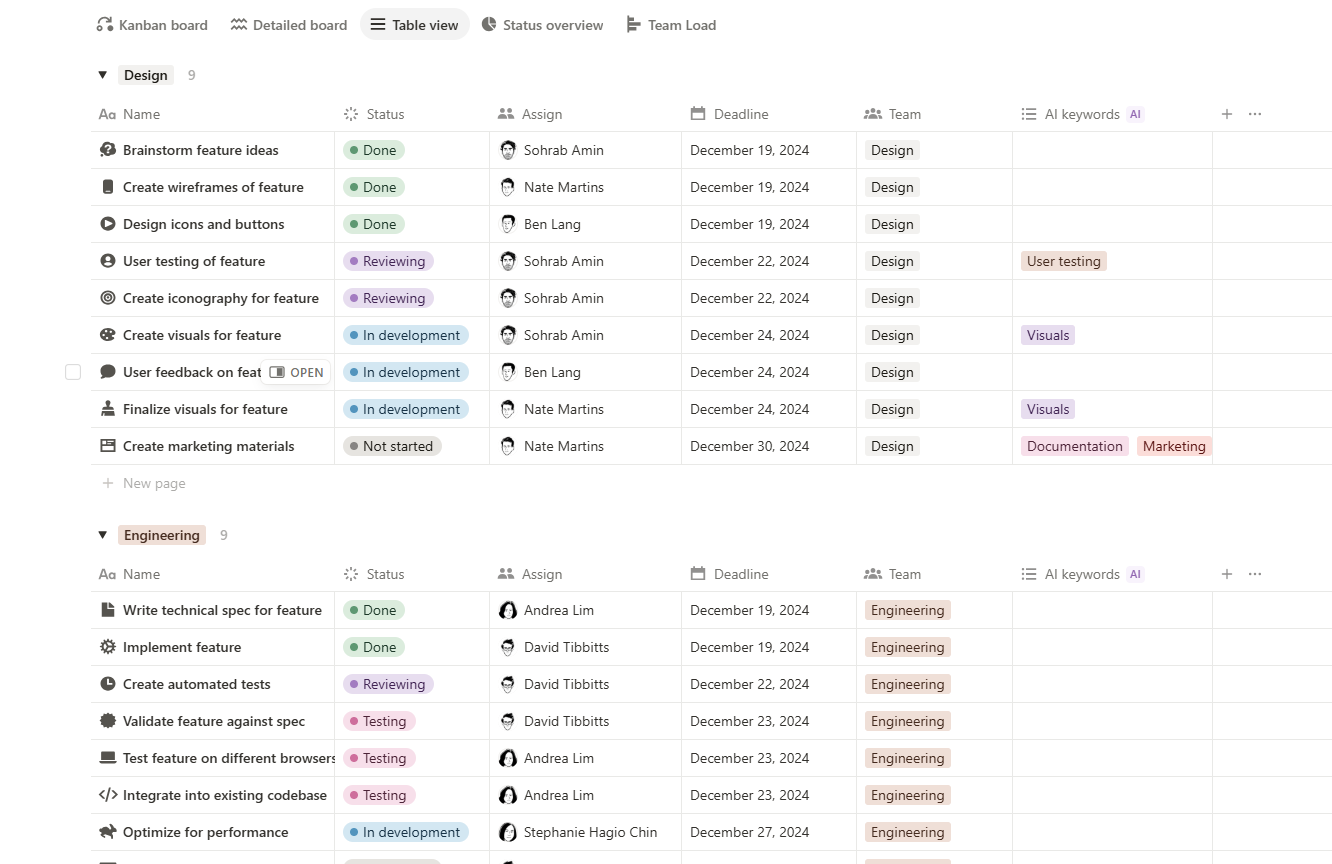
Notion is best for teams that need a flexible knowledge base. Remote teams often struggle when processes, onboarding notes, meeting summaries, and project decisions are scattered across personal documents. A shared workspace can give employees one place to find how the team works.
Notion is useful for internal wikis, standard operating procedures, lightweight databases, team notes, and onboarding pages. For remote employees, this reduces the need to ask the same questions repeatedly and helps new hires become productive faster.
The risk is over-flexibility. If everyone creates pages differently, the workspace can become hard to navigate. Teams should define templates, naming conventions, and ownership for important pages. Knowledge management only improves productivity when people trust that the information is current.
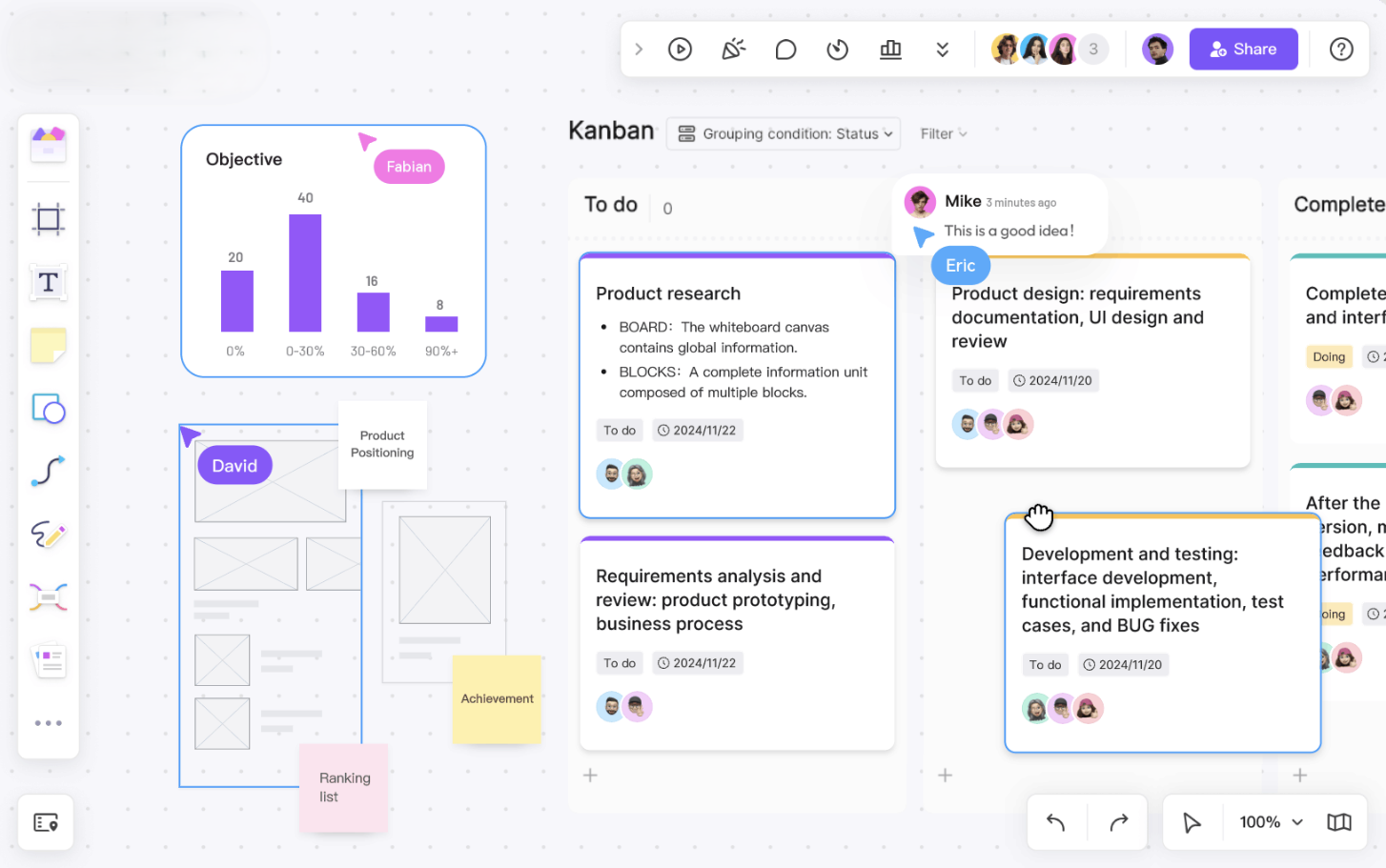
Miro is built for visual collaboration. It is useful when a remote team needs to brainstorm, map a process, run a retrospective, design a customer journey, or plan a workshop.
For distributed teams, visual whiteboards help recreate some of the shared thinking that used to happen in conference rooms. People can add ideas, cluster topics, vote, comment, and leave notes for teammates in other time zones.
Miro is most valuable when the output does not stay trapped on the canvas. After a workshop, action items should move into your task management tool, and final decisions should be captured in your documentation system.
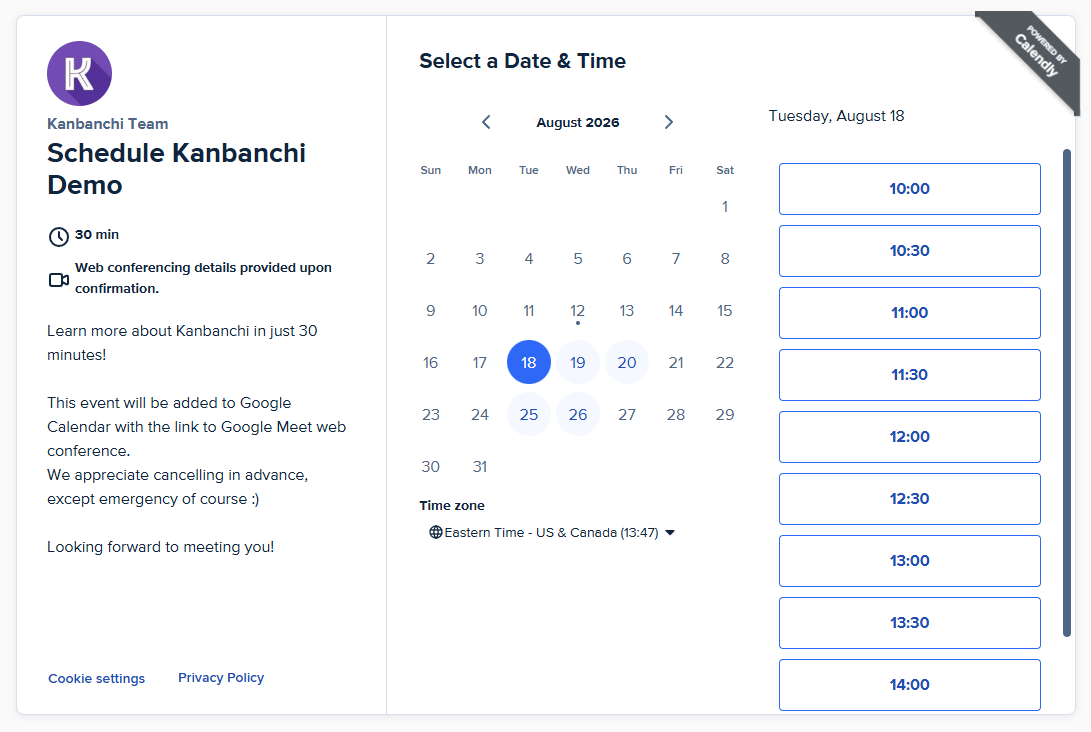
Calendly reduces scheduling friction, which is a surprisingly large productivity drain for remote and client-facing teams. Instead of sending multiple emails to find a meeting time, team members can share availability and let others book within predefined rules.
This is especially useful for sales calls, customer success meetings, interviews, partner calls, and cross-time-zone conversations. For internal teams, it can also help managers create office hours without manually coordinating every slot.
Calendly should be used thoughtfully. If every calendar becomes open to everyone, focus time disappears. Remote teams should combine scheduling automation with meeting policies that protect deep work.
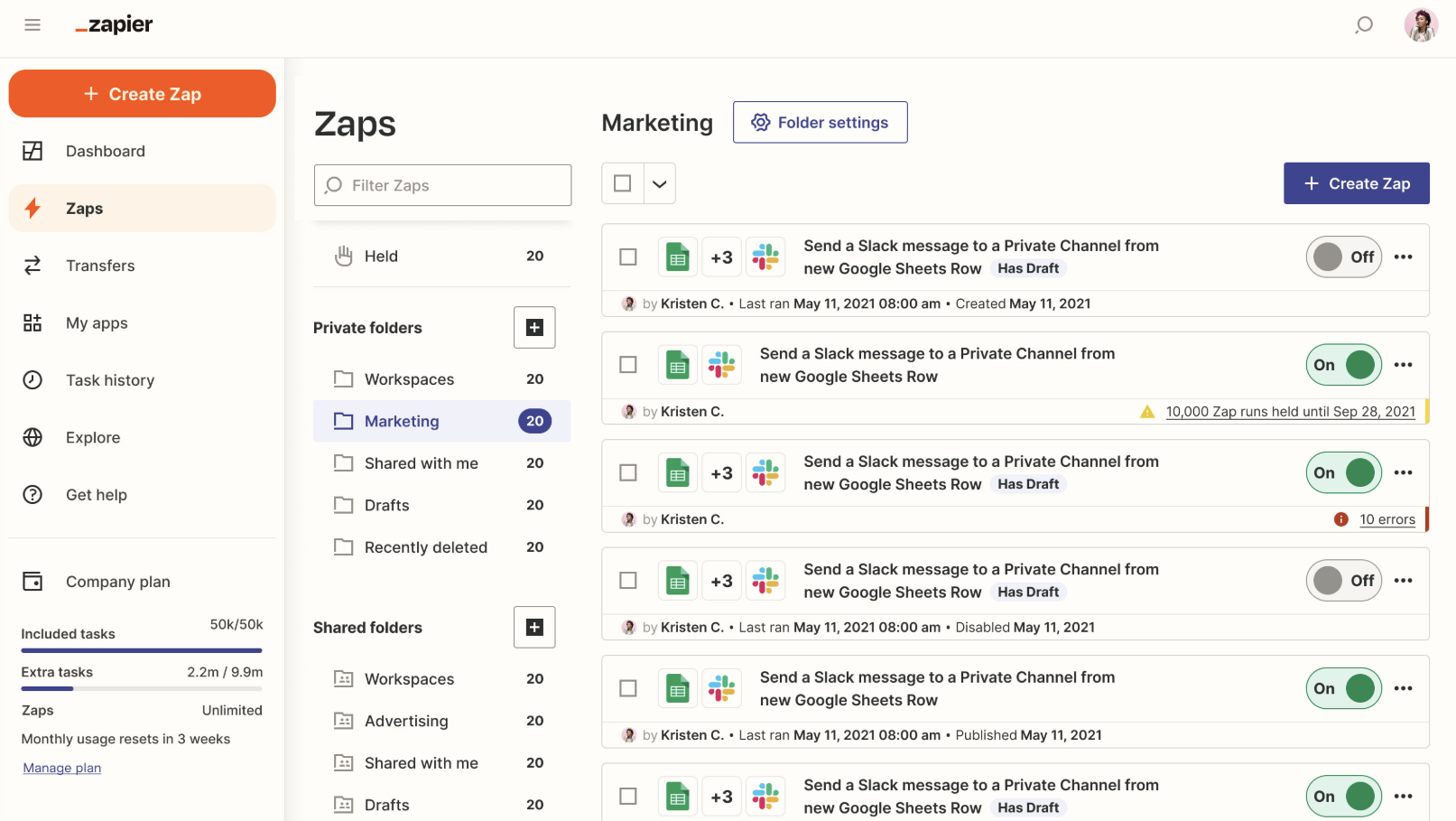
Zapier helps teams automate repetitive work between apps. For remote teams, that can mean fewer manual handoffs, fewer missed steps, and less reliance on one person remembering to update multiple systems.
Examples include creating a task when a form is submitted, sending a notification when a document is updated, logging information in a spreadsheet, or connecting lead capture tools with CRM workflows. The goal is not to automate everything. The goal is to remove small repetitive actions that interrupt meaningful work.
Automation should always have an owner. If no one monitors automations, they can break silently or create clutter. Start with a few high-value workflows and document what each automation does.
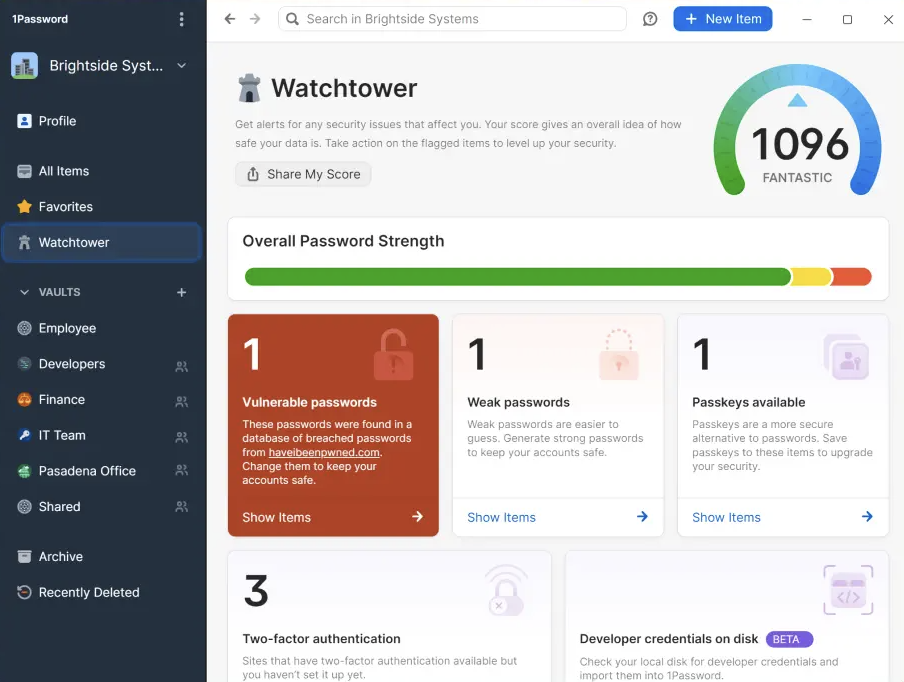
1Password is not a traditional productivity app, but it solves a common remote work problem: secure access. Distributed teams need to log in to many systems from many locations. Weak password practices, shared credentials, and access bottlenecks slow people down and increase risk.
A password and secrets management tool helps employees access what they need without sending credentials through chat or email. For managers, it also supports cleaner onboarding and offboarding because access can be managed more systematically.
Remote productivity depends on trust, but trust still needs structure. Secure access management is part of that structure.
Do not choose tools based on popularity alone. Choose them based on the type of work your team does, the ecosystem you already use, and the problems that create the most friction.
| Team situation | Prioritize | A practical core stack |
|---|---|---|
| Google Workspace team managing projects | Task visibility, files, calendar flow | Kanbanchi, Google Drive, Google Calendar, Google Meet, Loom |
| Microsoft 365 organization | Communication, file governance, integrated collaboration | Kanbanchi, Microsoft Teams, OneDrive or SharePoint, Outlook Calendar |
| Client-facing remote team | Scheduling, status visibility, secure collaboration | Kanbanchi, Calendly, Google Meet or Teams, 1Password |
| Product or creative team | Visual planning, async feedback, documentation | Kanbanchi, Miro, Loom, Notion |
| Operations team | Repeatable workflows, templates, reporting, automation | Kanbanchi, Zapier, shared docs, calendar integration |
A simple test can help: if a new employee joined tomorrow, could they understand current priorities, find the right files, see who owns what, and know how to ask for help? If not, your stack needs better structure.
Many remote teams already have too many tools. Adding another app without changing the operating model will not solve the problem. Before rolling out new software, define how the team should work.
Start with a small number of rules:
Then pilot the stack with one team or project. Measure whether status meetings are shorter, handoffs are clearer, deadlines are easier to track, and employees spend less time searching for context.
For leaders who want to go deeper into software selection by management use case, Kanbanchi also maintains a guide to the best remote team management software. Use that when you need a broader comparison across team management, collaboration, and oversight.
The best productivity apps for remote teams include Kanbanchi for project and task management, Slack or Microsoft Teams for communication, Google Meet for video meetings, Loom for async updates, Notion for documentation, Miro for visual collaboration, Calendly for scheduling, Zapier for automation, and 1Password for secure access.
Most remote teams need a focused stack rather than a large collection of tools. A practical setup includes one task management tool, one communication tool, one video meeting tool, one document or knowledge base system, one scheduling layer, and security tools for access management.
The most important tool is usually the task and project management system because it becomes the source of truth for work. Without clear task ownership, deadlines, files, and status updates, communication tools tend to become overloaded with project tracking.
Slack is often preferred by teams that want flexible channel-based messaging and broad third-party integrations. Microsoft Teams is usually the better fit for organizations already standardized on Microsoft 365. The right choice depends on your existing ecosystem and communication habits.
Leaders should define what each app is for, set response expectations, reduce unnecessary notifications, move decisions out of chat into documented systems, and review tool usage regularly. Productivity apps work best when they support clear workflows, not constant availability.
The best remote teams do not rely on constant check-ins to stay productive. They build a system where priorities are visible, ownership is clear, files are easy to find, and progress can be tracked without interrupting everyone.
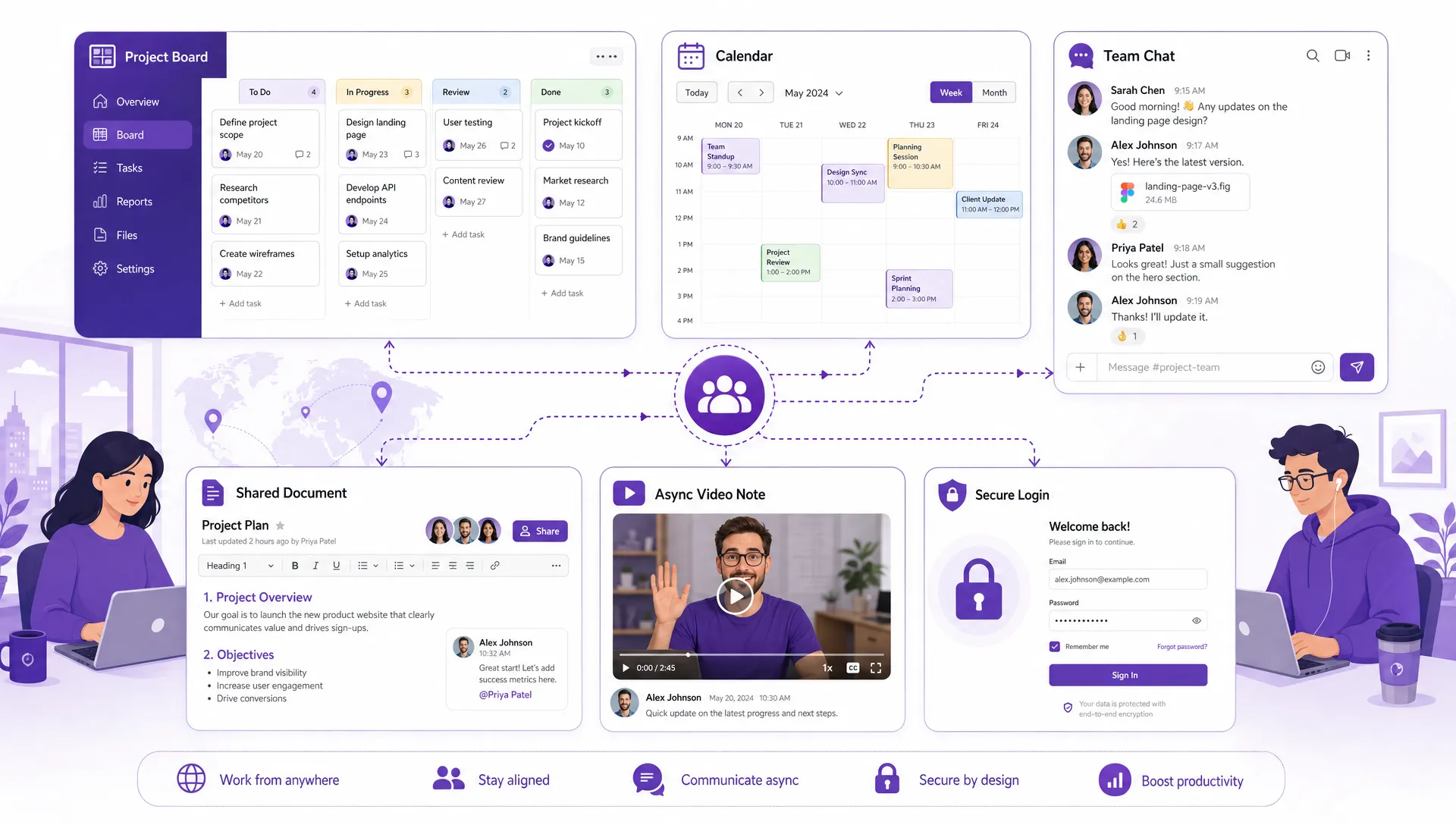
A productive remote stack connects planning, communication, documents, scheduling, async updates, and secure access instead of leaving each tool isolated
If your team works in Google Workspace or Microsoft 365, Kanbanchi can help you bring tasks, boards, timelines, files, time tracking, and collaboration into one connected project management environment. Start with one workflow, and make it visible. Give your remote team a better way to move work forward together.


In this Article:
Start using Kanbanchi now
Start your free trial