
In this Article:
Try Kanbanchi now
Start your free trial

Are your team members really thriving, or are they merely clinging on by their fingertips?
Picture the scene. It’s a Monday morning. You grab your coffee, open up your laptop, only to be met with a barrage of:
…and a nagging sense that somewhere, someone on your team is drowning in tasks while another is idly flicking through Facebook all morning, waiting to be told what to do next…
If this sounds familiar, you aren’t alone. These days, traditional ways of checking in just don’t work like they used to…
We’ve moved past the era of post-its and to-do lists. With hybrid teams spread across time zones and the relentless pace of digital transformation, the mental load of work has never been heavier.
This is where workload management software earns its keep. It isn’t just about making sure everyone has something to do, though.
It’s about:
A true workload management system acts as the central focus point for your team, providing the data you need to:
…rather than a last-minute scramble. But with so many workload management tools on the market, how do you find the one that actually simplifies your life instead of adding yet another app to your bookmark list?
In this guide, we’re diving deep into the world of workload management. We’ll explore:
Let’s turn that Monday morning chaos into a clear, visual roadmap. No more Sunday night fear once you embark on a journey with the team here at Kanbanchi…
To understand the software, we first have to understand the mission. Workload management is the process of strategically distributing and managing work across your team to maximize performance while minimizing stress.
Workload management software is the digital engine that makes this possible. It’s a tool that lets you
Your work in real time. Instead of just guessing who has bandwidth, you can actually see it.
A robust system goes beyond simple task assignment. It typically rests on three pillars:
Understanding the total hours or energy available within your team. These factors in holidays, meetings, and individual focus time.
Using charts, timelines, or heatmaps to see at a glance who is over-allocated, and who has space to help.
The ability to drag and drop tasks from one person to another instantly when priorities shift, without losing the context of the work.
It’s easy to confuse the two, but the distinction is vital for your team’s health.
Without dedicated workload management tools, managers often default to squeaky wheel management, assigning work to the person who finishes fastest or complains the least.
Over time, this leads to your top performers burning out while others feel disconnected or underutilized.
Software changes that dynamically introduce objective data into the conversation. It moves you from:
“I think we can do this,” to “The data shows we have 15% spare capacity.”
So, what are the reasons your team might need help with this?
Read some of our excellent case studies here
If you are still trying to track your team’s energy in a static spreadsheet, you aren’t just behind the times; you’re likely losing money.
Nowadays, work moves too fast for manual tracking. A spreadsheet is a snapshot of the past; workload management tools require a live feed of the present.
Here is why specialized software has become the non-negotiable standard for modern operations.
Every team has a Hero, the person who always says yes and always delivers. Without a workload management system, managers tend to overload these individuals because they are a safe bet.
Specialized tools expose this by showing that your top performer is at 120% capacity while others are at 60%. This visibility allows you to protect your best workers before they quit.
These jobs eat up a day:
Workload management tools bring these into the light.
By accounting for non-project time, you get a realistic view of how much actual work can be done in a day.
Have you ever had to tell a client “No,” but didn’t have the data to back it up? Specialized software gives you the receipts.
Instead of an emotional argument about being busy, you can present a capacity chart that proves your team is fully allocated.
It shifts the conversation from “we can’t do it” to “we can do this if we deprioritize that.”
Burnout is rarely a sudden event; it’s a slow accumulation of:
By moving away from ad-hoc task assignment and toward a dedicated workload management system, you create a psychological safety net for your team.
They know they won’t be buried, and you know the work will actually get done.
Given this, what are some of the best workload management strategies to try?
Read some more of our team management blogs here.
Software is only as good as the system behind it. To truly master workload management strategies, you need to combine your tools with a disciplined approach to human energy. Here’s how top-performing teams stay balanced.
Never plan for 100% capacity. The most resilient teams plan for 80%.
The remaining 20% is a buffer zone for unexpected delays, urgent fixes, and the inevitable quick questions.
If you schedule every minute of a team member’s day, even a minor delay can trigger a domino effect across your entire project.
This is the art of smoothing out the peaks and valleys of a project. Instead of having a team work 60 hours one week and 20 the next, you adjust start and end dates to ensure a consistent, sustainable flow.
Not all hours are created equal. An hour of deep coding or strategic writing is worth more than three hours of email.
Effective workload management involves categorizing tasks by their mental load.
It’s a good idea to let workers have at least 3-4-hour blocks of Deep Work, during which no meetings are in the diary (hurrah!)
Just because someone has time doesn’t mean they are the right person for the job. Top tools for managing workload across projects allow you to tag team members by skill set.
When a new task arrives, you filter by skill first, then by capacity. This prevents the frustration of someone struggling with a task outside their experience, just because they were free.
Workload management isn’t just something to organize and then forget about. Every Friday afternoon, look at your jobs and the actual time spent on them (not just what you think it was…)
By applying these strategies, you ensure that work flows smoothly without fail.
Ready to move on? Let’s now look at some of the best software on the market for workload management.
Choosing the right workload management software can feel like a new job in itself. Whether you need massive enterprise scaling or a simple visual board, here are the top tools for managing workload across projects reviewed for today’s landscape.
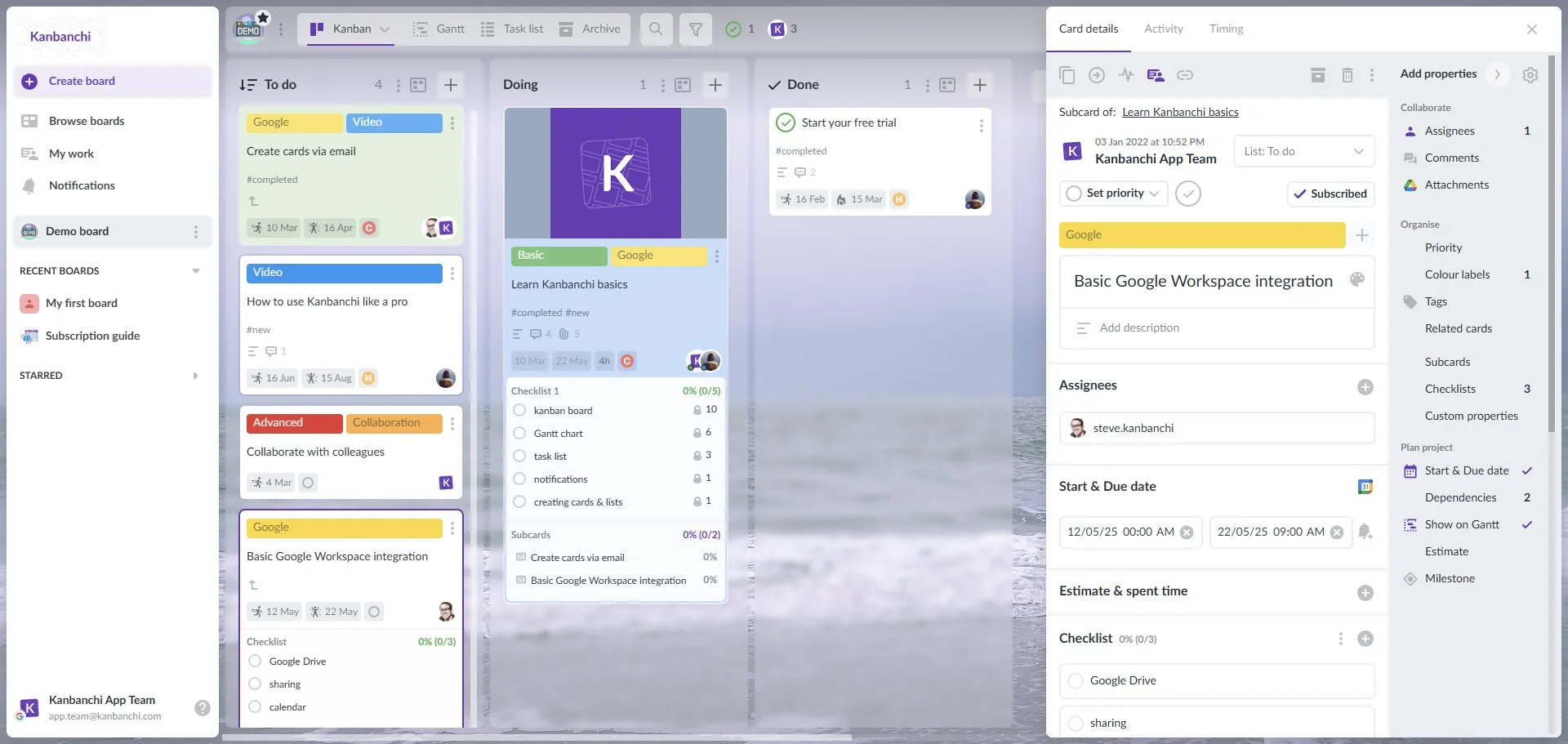
If your team already uses Google, Kanbanchi is the gold standard. Unlike other tools that require a complex setup, Kanbanchi feels like a natural extension of your Drive.
Standout Feature: The Workload Tab (My Work). It provides a scope of all the tasks from different projects.
Why it wins: 100% native integration with Google Sheets, Docs, and Calendar. No more app-switching.
Test drive Kanbanchi for free today
Monday is known for its customizable interface. It’s a decent operating system for workload management that allows you to build virtually any workflow.
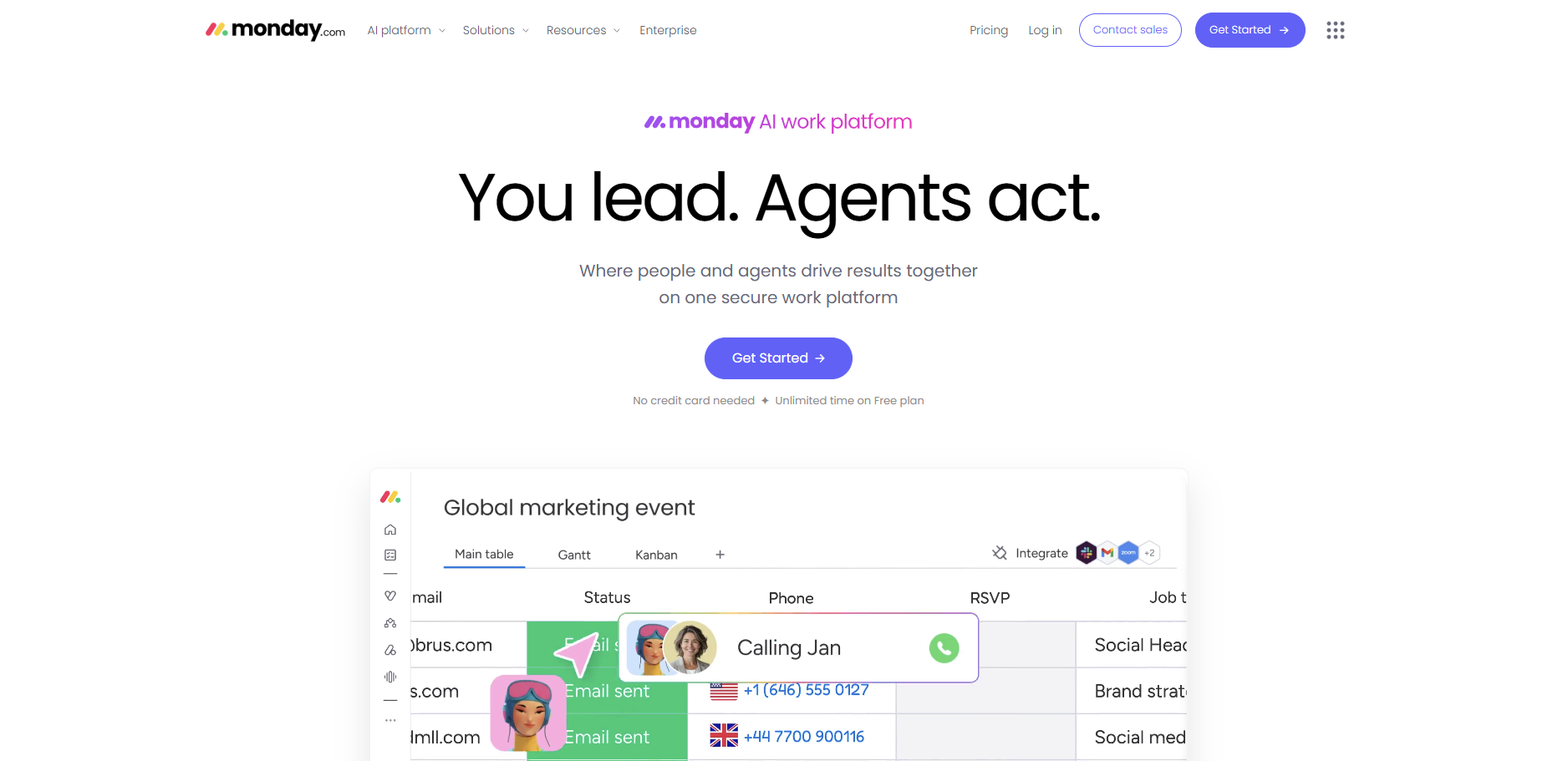
Standout Feature: Automation. You can set a rule that says, “When a status changes, notify the Resource Manager.”
Where it fails: The high level of customization can be overwhelming for smaller teams just looking for a simple workload management system.
Asana is good for process-oriented teams. It excels at showing how individual tasks connect to the company goals.
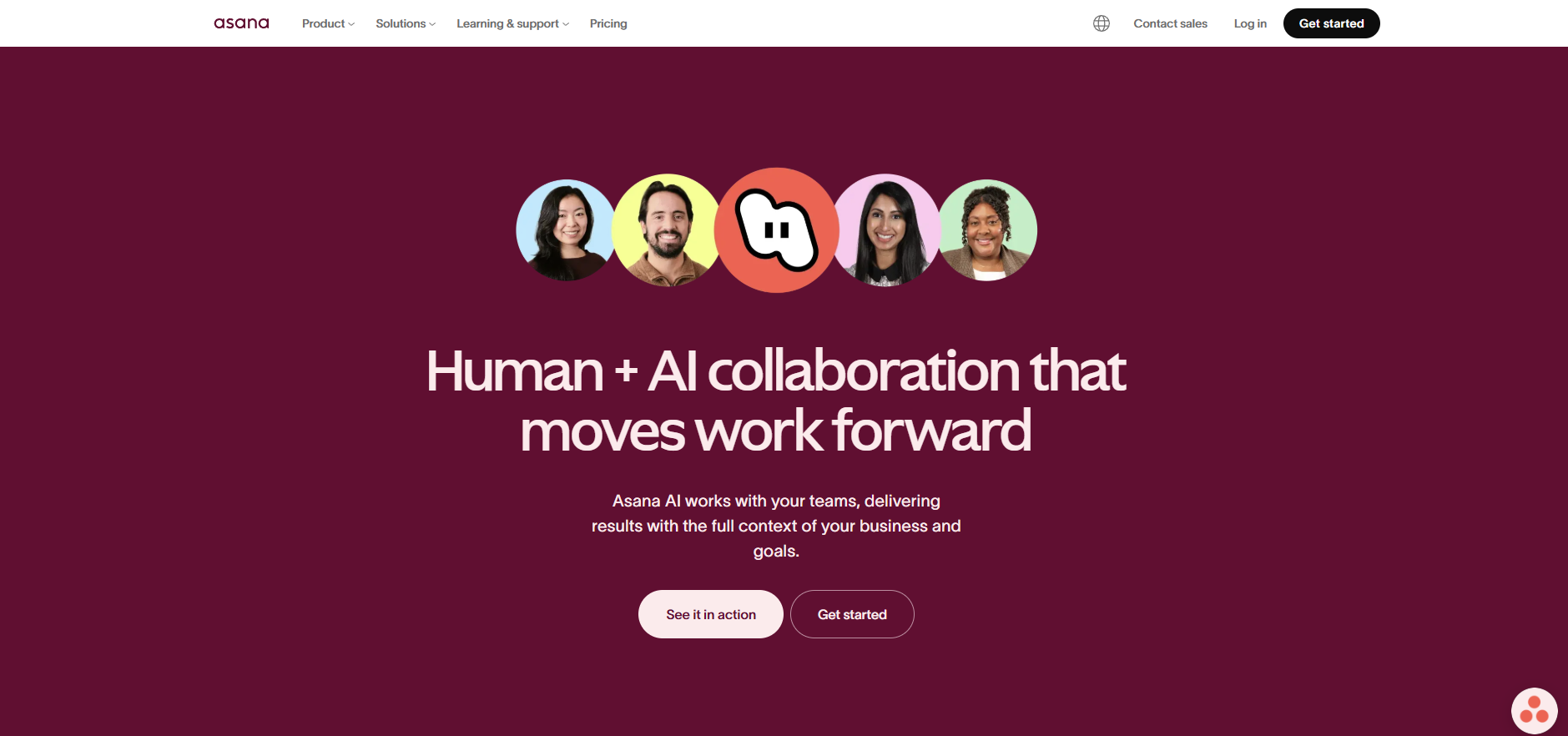
Standout Feature: Portfolios. This view lets you monitor the health and workload of multiple projects simultaneously.
Where it fails: Advanced workload features are often locked behind their most expensive tiers.
ClickUp aims to replace every other app on your desktop. It includes Docs, Goals, and a built-in Whiteboard.
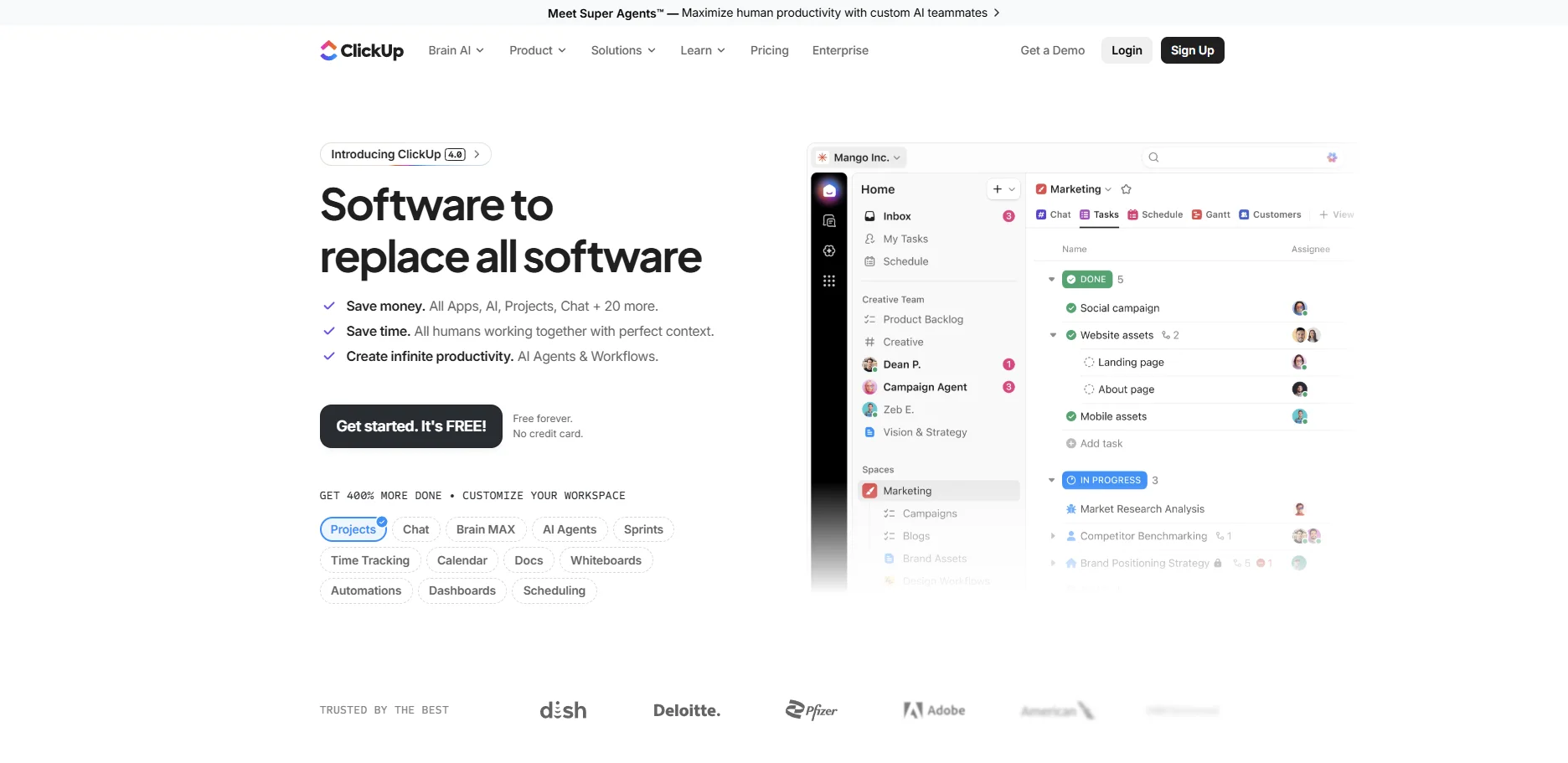
Standout Feature: Box View. This allows managers to see exactly what each person is working on and their total task volume.
Where it fails: Because it tries to do everything, the learning curve can be steep for non-technical users.
For software engineering teams, Jira is the undisputed heavyweight. It is built specifically for the Sprint cycle.
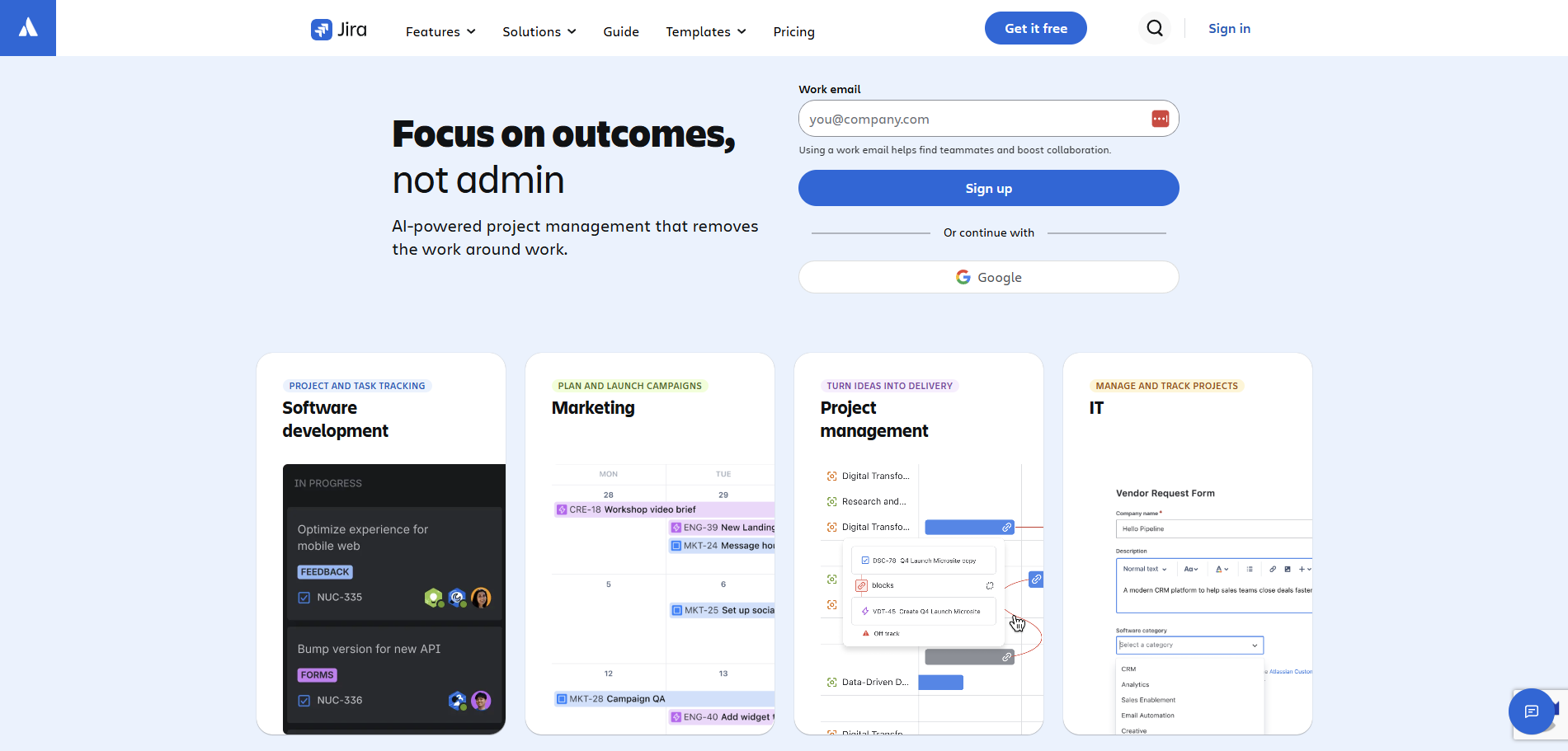
Standout Feature: Velocity Charts. These help managers predict how much work a team can realistically handle in the next two-week block based on past performance.
Where it fails: Mainly suitable for experienced users and devs only.
Wrike is built for large, cross-functional organizations that need deep reporting and security.
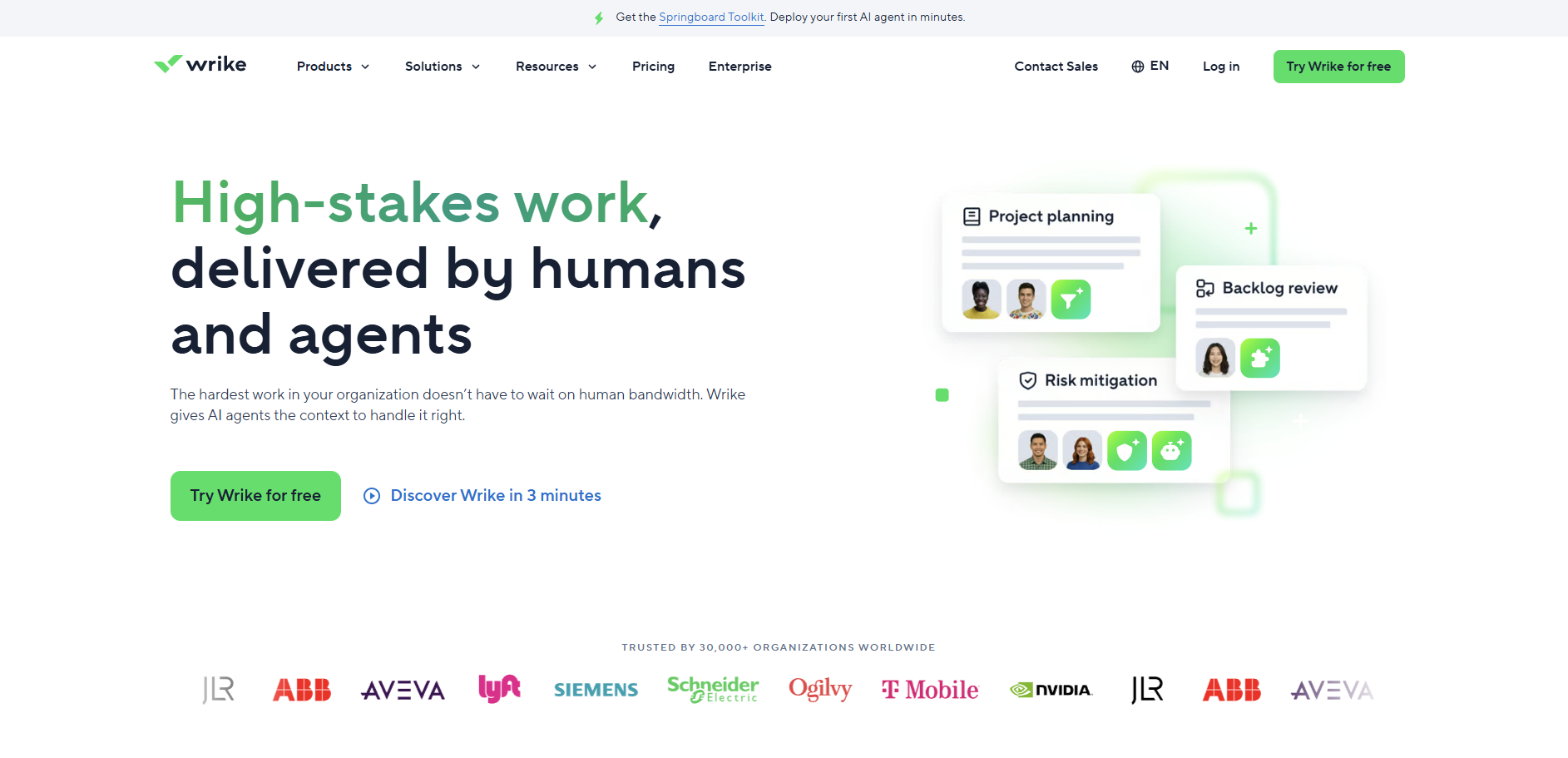
Standout Feature: Resource Booking. Allows managers to request time from specific team members, ensuring that high-demand specialists aren’t double-booked.
Where it fails: You must purchase seats in groups of 5 or 10, rather than individual licenses, which can lead to overpaying.
If you have a small team or a limited budget, Trello’s Kanban-first approach is hard to beat.
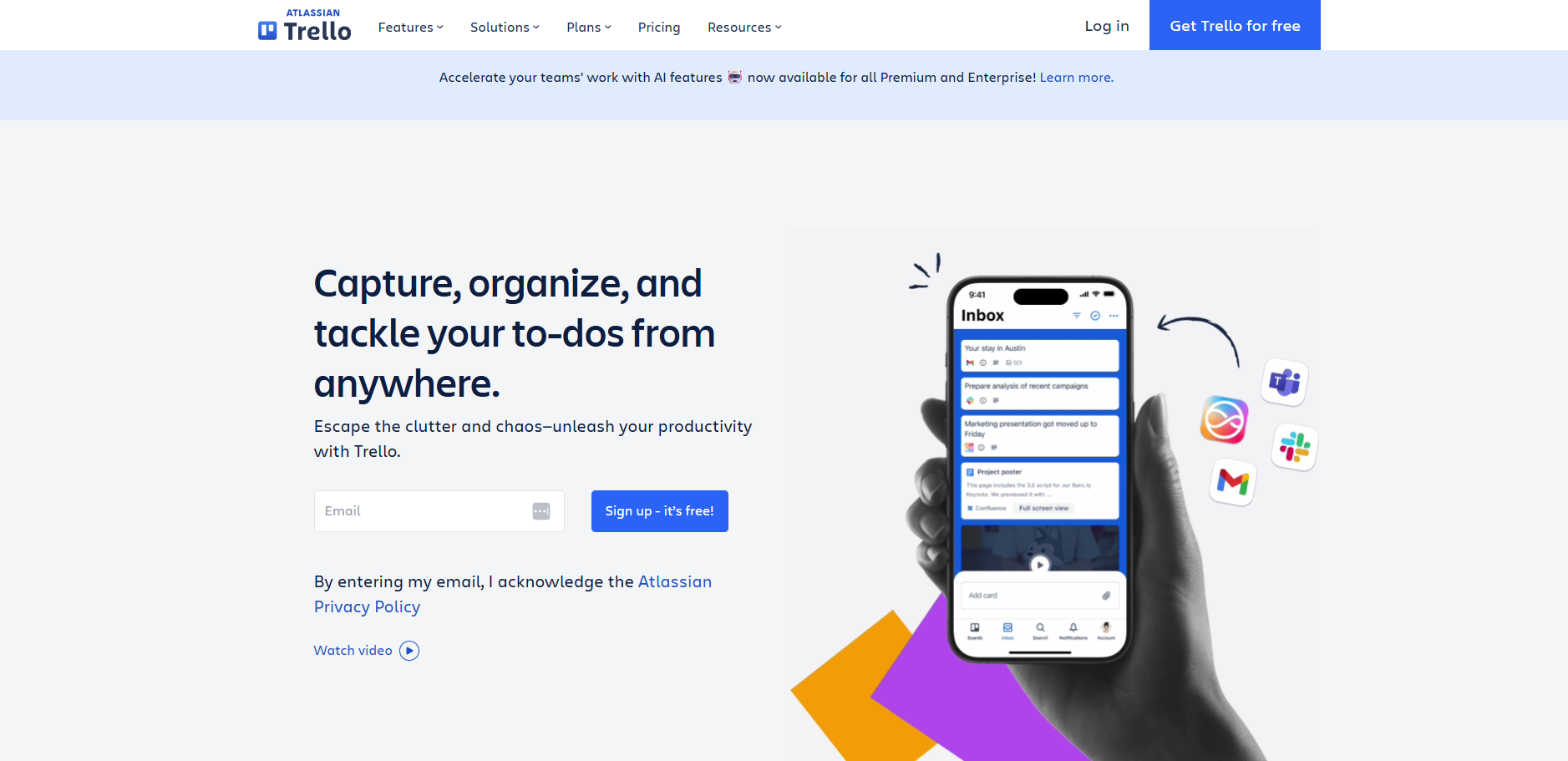
Standout Feature: The Butler automation. It’s a simple way to automate card movements based on dates or labels.
Where it fails: Lacks native, deep workload/capacity charts found in more robust workload management tools.
If your team refuses to give up grids, Smartsheet is the compromise. It looks like Excel, but functions like a powerful project engine.
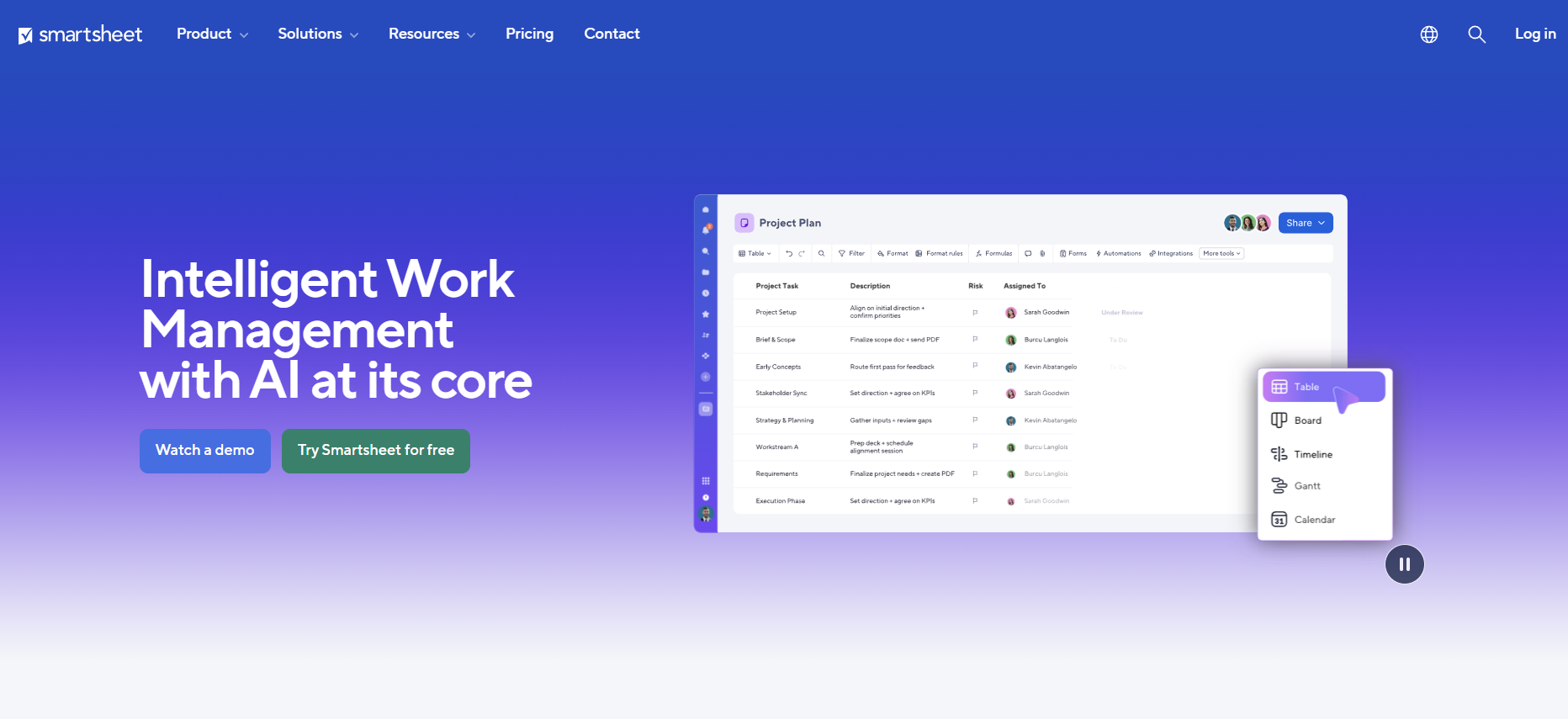
Standout Feature: Resource Management integration, which provides high-level organizational capacity planning.
Where it fails: Its excellence lies in spreadsheets, so if your team isn’t keen on those, it’ll probably not work for you.
Notion is a hybrid of a wiki and a task manager. It’s perfect for teams where documenting the work is as important as the task itself.
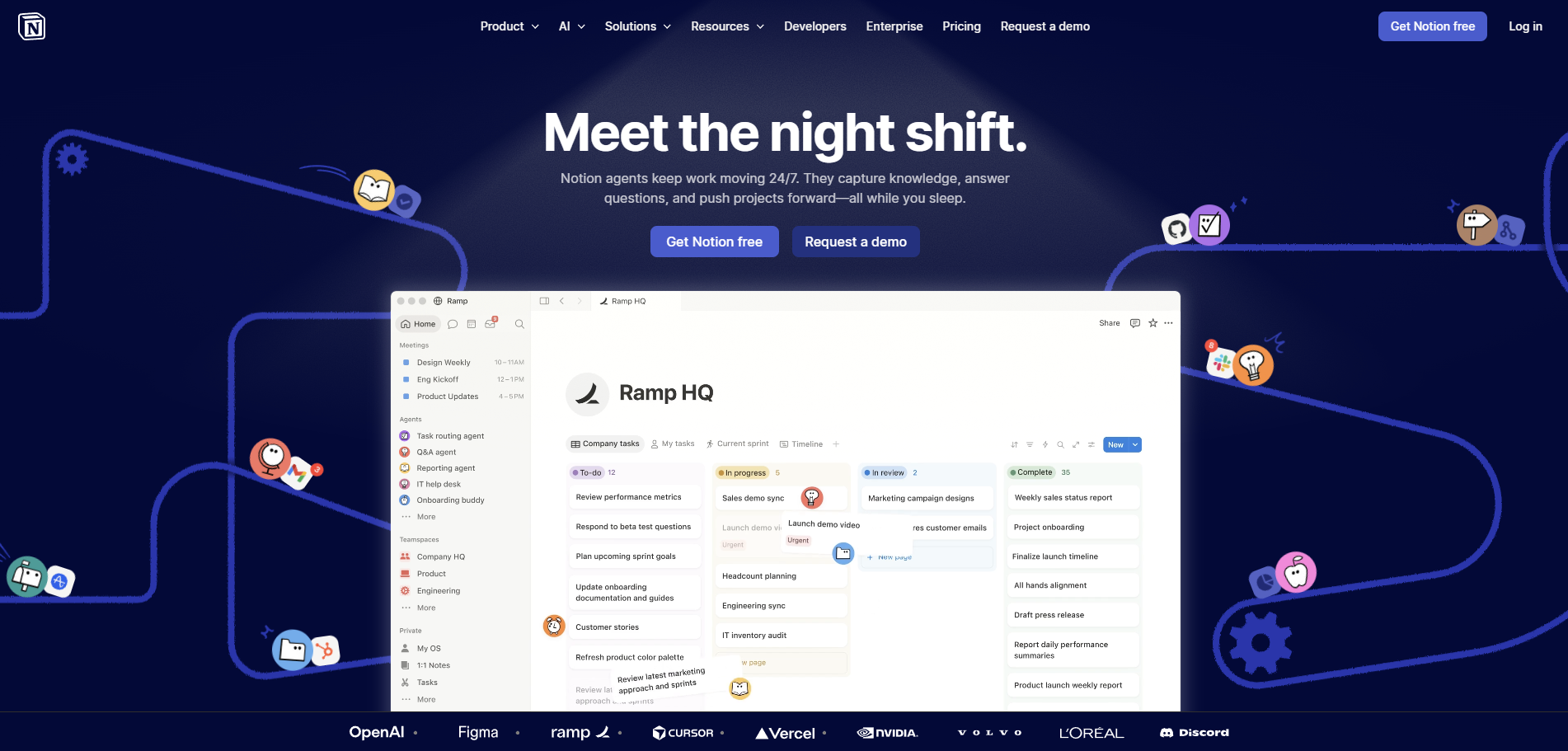
Standout Feature: Relational Databases. You can link a Tasks database to a Team Members database to create custom workload views.
Where it fails: There are almost too many features, which can be overwhelming.
If your team is already using Gmail, Drive, and Calendar, adding a third-party project tool can often feel like trying to fit a square peg in a round hole.
You end up with IT problems, fragmented data, and a team that is tired of logging into ten different apps just to start their day.
Kanbanchi is designed specifically to solve the integration friction that plagues Google Workspace users.
The biggest hurdle to any new workload management system is adoption. If it looks difficult, people won’t use it.
Kanbanchi mirrors the Google UI so closely that it feels like a native feature your IT department just added.
Your team uses their existing Google credentials to sign in; no new passwords to forget.
In most workload management tools, you have to upload files to a separate cloud. In Kanbanchi, your project boards are stored directly in your Google Drive as files.
If a team member has access to a folder in Drive, they automatically have the correct permissions in Kanbanchi.
You can create a new Google Doc or Sheet directly from a Kanbanchi card. It stays attached and is updated in real time.
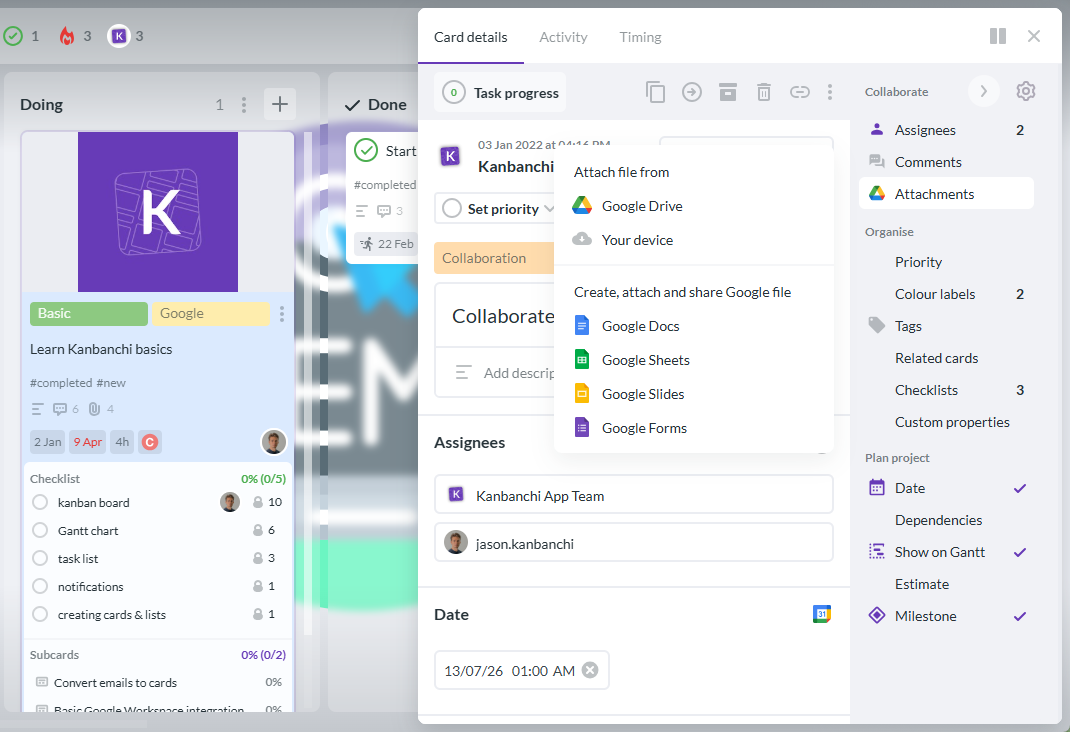
This is where managing team workload becomes effortless. While most tools require you to click through various reports to see who is busy, Kanbanchi provides a dedicated space for that.
See your team’s names on the left and their daily “energy bars” on the right. If a bar turns red, that person is over their set daily hours.
Move a task bar from a red-zone employee to a green-zone employee in one click.
Workload often starts in the inbox. With the Kanbanchi Gmail add-on, you can convert an incoming email into a task card without ever leaving your inbox.
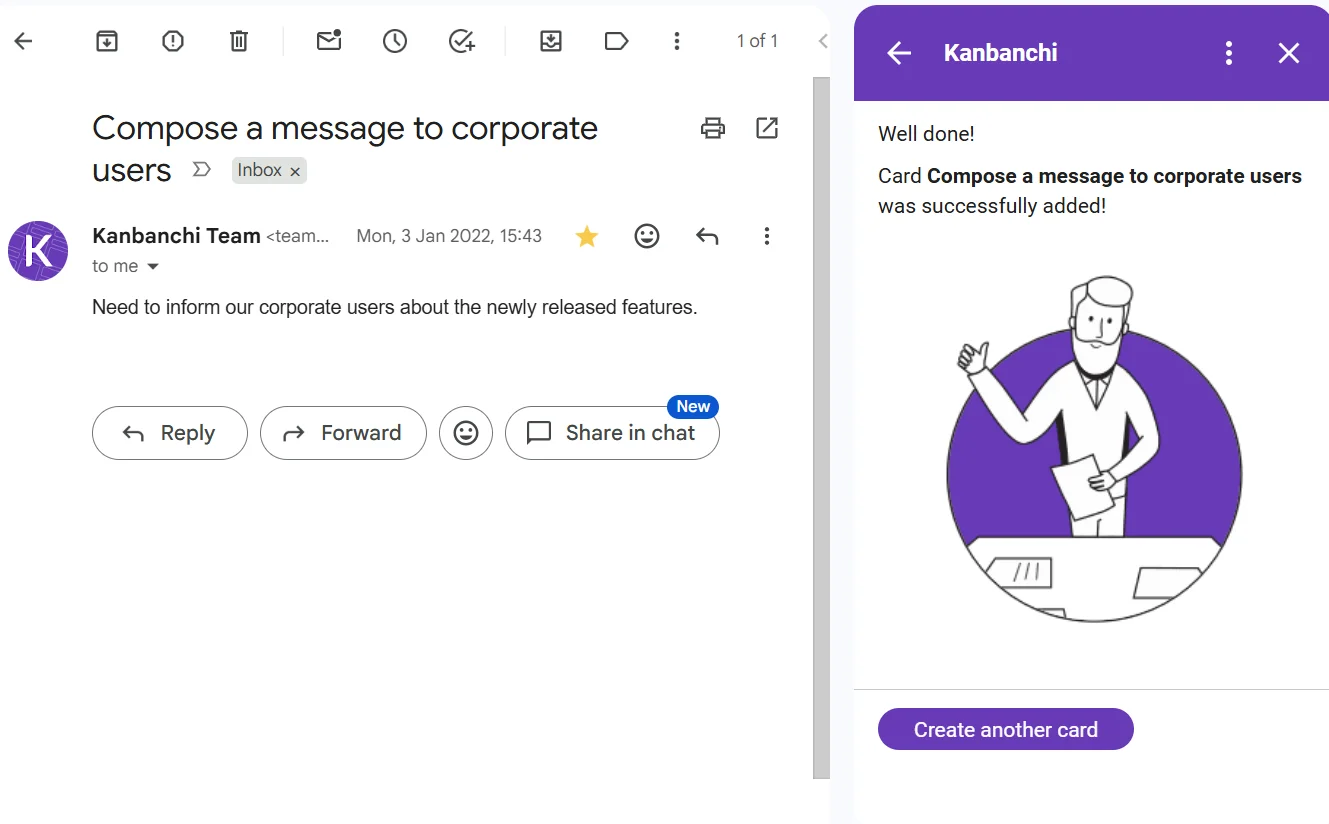
This ensures hidden requests are instantly added to your workload management software so they can be accounted for in the team’s capacity.
By choosing a tool that is born in Google, you aren’t just buying software; you are streamlining your team’s entire digital ecosystem. You reduce the app tax and let your team focus on what they do best: getting the work done.
Like what you’ve read? Why not get in touch with the Kanbanchi team today? Let’s chat about the ways in which we can work with you to get the results you need. Choose Kanbanchi and find the best way to balance your workload.
Let’s end with a round-up of some of the most commonly asked questions about workload management systems.
The primary benefit is visibility. It replaces gut feelings with hard data.
By using a workload management system, you can ensure fair work distribution, accurately predict project completion dates, and significantly reduce the risk of employee burnout by identifying over-capacity before it becomes a crisis.
For small teams, bloat is the enemy.
You need a tool that is easy to adopt and integrates with your existing workflow. Look for a solution that doesn’t require a dedicated administrator and feels like an extension of the tools you already use, like Google Workspace.
Project management is about the things: tasks, milestones, and deliverables.
Workload management is about the people: capacity, hours, and mental bandwidth.
Yes, by creating transparency.
Burnout often happens when high performers are silently overloaded. When everyone’s capacity is visible on a shared dashboard, managers can intervene early, move deadlines, or redistribute tasks, creating a culture where well-being is prioritized.
Also read: Workload Management 101: How to Balance Productivity and Well-being



In this Article:
Start using Kanbanchi now
Start your free trial