
In this Article:
Try Kanbanchi now
Start your free trial

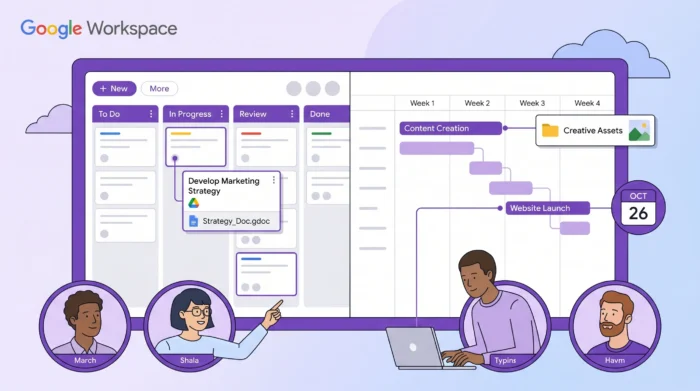
Searching for “project mgmt tools”? Yeah, Google users love abbreviations 😉 Discover in this guide what teams on Google Workspace search for when they type “project mgmt tools” in Google – best apps complementing Google Workspace.
Google Workspace is great at collaboration, but most teams eventually hit the same wall: Docs and Sheets can’t act as a true system of record for projects. Tasks end up split across emails, chats, calendars, and shared drives, and you spend more time searching than executing.
The best project management tools for Google Workspace teams solve that by doing two things well:
Here’s my comparison of top tools, what they’re best at, and how to choose based on how your team actually works.
A tool can claim “Google Drive integration” and still be a poor fit for Workspace-first teams. Before you compare vendors, align on what “integration” should mean for you.
If your team lives in Google Drive, the lowest-friction tools let you:
This matters even more when projects are content-heavy (marketing, HR, client delivery), where a “task” is really a collection of drafts, approvals, and supporting files.
A surprising amount of project work starts as an email. If converting a message into a task is clunky, the tool won’t stick. Look for simple capture from Gmail (or at least email forwarding) so requests do not rot in inboxes.
Deadlines and milestones should land where people plan their days. A good Google Calendar sync can help keep work visible without forcing everyone to live in the PM tool all day.
Most teams need at least two perspectives:
If those views are disconnected, you get inconsistent plans and endless status meetings.
Workspace teams in regulated or enterprise environments should validate security, access controls, and compliance needs early. Google Workspace itself offers robust admin and security capabilities, but your PM tool must also meet your organization’s policies.
This table focuses on the Workspace-centric capabilities most teams ask about. “Optional” means it may require an add-on, a specific plan, or a configuration.
| Tool | Best for | Kanban | Timeline or Gantt-style view | Time tracking | Google Workspace fit |
|---|---|---|---|---|---|
| Kanbanchi | Workspace-first teams that want boards + Gantt + time tracking in one place | Yes | Yes | Yes | Deep integration with Drive, Gmail, Calendar |
| Asana | Cross-functional coordination, structured work management | Yes | Yes | Optional | Strong Drive and Calendar integrations |
| Trello | Lightweight Kanban, simple workflows, quick adoption | Yes | Optional | Optional | Works well with Drive, lighter planning depth |
| ClickUp | All-in-one suites with lots of customization | Yes | Yes | Yes | Integrates with Google apps, heavier configuration |
| monday.com | Visual work management for ops, marketing, and intake pipelines | Yes | Yes | Optional | Integrates with Drive and Calendar |
| Jira | Software teams, agile execution, issue tracking | Yes | Optional | Optional | Integrates with Google apps, best in dev-centric orgs |
| Smartsheet | Spreadsheet-minded planning with strong reporting | Optional | Yes | Optional | Integrates with Google apps, strong in PMO contexts |
| Notion | Documentation-first teams, wiki + light project tracking | Optional | Yes | Optional | Great for docs, projects can require more setup |
Why do people search for “project mgmt tools” when their team runs on Google Workspace
If you’ve ever typed “project mgmt tools” into Google, it’s usually because your team has outgrown ad hoc coordination. Google Workspace helps you create and share work, but it doesn’t reliably answer the day-to-day project questions: Who owns this? What’s blocked? What’s due next week? What changed since yesterday?
A solid project management tool closes that gap by making tasks, owners, due dates, and progress visible, while still letting Drive, Gmail, and Calendar stay part of your normal workflow.

If your team wants a project management tool that feels natural inside Google Workspace, Kanbanchi is built specifically for that scenario.
Kanbanchi combines:
It is also compatible with Microsoft 365, which is useful if you collaborate with external partners or your organization is in a hybrid environment.
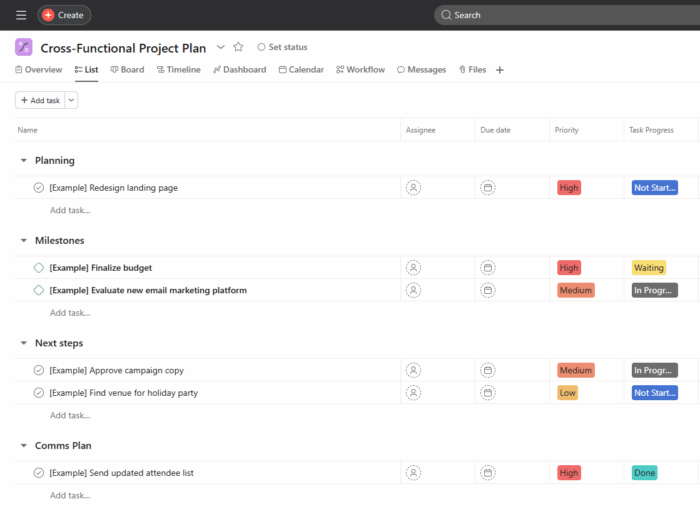
Asana is popular among teams that need a consistent task structure across departments (marketing, product, operations). For Google Workspace teams, its value usually comes from pairing clear task ownership with Drive-based assets and shared calendars.
Where it tends to shine is in standardizing intake and approvals across teams, especially when you need repeatable workflows and visibility for stakeholders. If you already run many processes (requests, campaigns, launches), Asana can be a good fit.
Tradeoff: teams that prefer “Drive as the home base” sometimes find they still bounce between tabs for files and discussions, depending on how the org implements it.
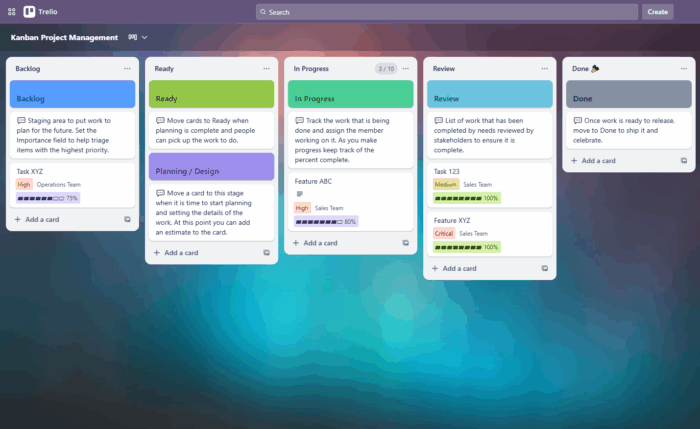
Trello remains one of the easiest ways for an individual to quickly adopt a Kanban workflow. For Google Workspace teams, that may not be enough.
Trello works best when:
If your team starts asking for consistent timelines, workload management, or richer progress reporting, you may outgrow it and need a more “project” oriented tool.

ClickUp is often chosen by teams that want lots of flexibility: custom fields, multiple views, automations, and a “build your own system” feel.
It can work well in Google Workspace environments, but the main success factor is governance. If everyone configures their own setup, you can end up with inconsistent workflows, confusing reporting, and onboarding friction.
Good fit when you have an ops owner (or PMO) who can define templates, naming conventions, and workspace rules.
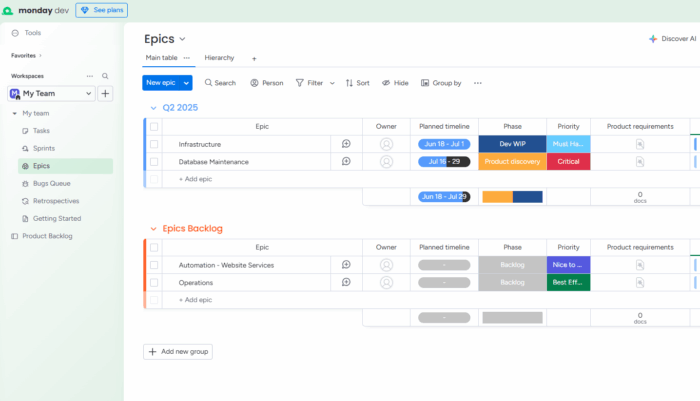
Monday.com is a common pick for operational teams managing multiple streams of work (requests, content pipelines, campaigns, and vendor coordination). It is visually approachable and often used as a “single pane” for status tracking.
For Google Workspace teams, it typically pairs well with Drive assets and calendar-driven deadlines. It is especially useful when you want a consistent intake process and a clear, stakeholder-friendly status view.
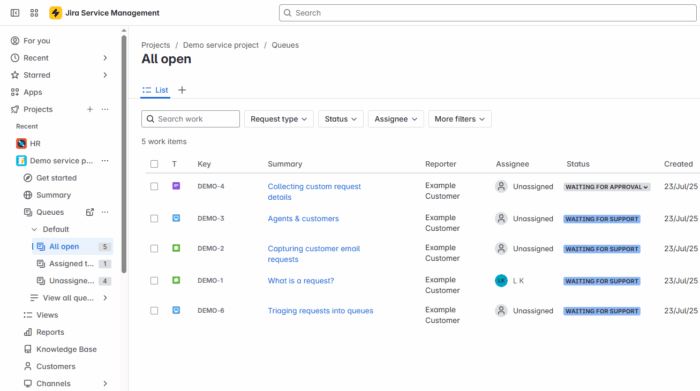
Jira is a strong choice for software teams running Scrum or Kanban with rigorous backlog management. If your organization is engineering-led and already uses Atlassian tooling, Jira can be the right answer.
For broader Workspace teams (marketing, HR, client services), Jira is often heavier than necessary. It can still work, but adoption tends to suffer when non-technical teams are forced into dev-centric workflows.

Smartsheet is frequently used in PMO and program management contexts because it feels familiar to teams that plan work in tables, with strong reporting and portfolio-style oversight.
If your team is currently running projects in Google Sheets and wants more power (tracking, governance, rollups), Smartsheet can be a step up.
Tradeoff: teams that love Kanban-style execution may find it less natural for daily flow, depending on how it’s set up.
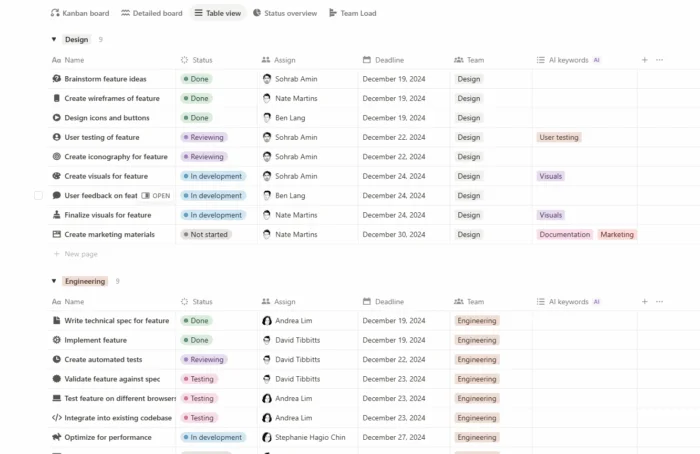
Notion is excellent when your primary problem is knowledge fragmentation: scattered docs, meeting notes, specs, and confusion about “where is the latest version?”
Many Google Workspace teams adopt Notion as a wiki and then layer on task databases and timelines. This can work well, but it typically requires thoughtful setup to avoid turning into a messy, anything-goes workspace.
If your org needs strict task governance and robust reporting, a dedicated PM tool may be better, with Notion as the documentation layer.
Instead of starting with feature checklists, start with your team’s dominant workflow. Most Google Workspace teams fall into one of these buckets.
Choose a tool where Kanban is first-class, and where email and files plug in naturally.
Kanbanchi, Trello, and monday.com are common fits here, with Kanbanchi standing out when you also need Gantt planning and built-in time tracking.
Choose a tool with a timeline or Gantt-style view that stays in sync with execution, otherwise your plan becomes a separate document.
Kanbanchi, Asana, Smartsheet, and ClickUp usually cover this need.
Choose a tool built for agile delivery and issue tracking.
Jira is often the default, while Kanbanchi can support Scrum and Kanban practices in a simpler Workspace-first environment.
Choose a tool where documentation is central.
Notion is a common choice, often paired with a dedicated task tool if the team needs stronger execution and reporting.
A lot of “project management” happens in service businesses, not just in software companies. For example, a catering company, Purple Plate, already relied on Gmail for client communication, Google Drive for menu planning documents, and Google Calendar for event scheduling.
A dedicated PM tool helps turn those moving pieces into a trackable plan, so nothing falls through the cracks. Kanbanchi’s native integration eliminated duplicate data entry and authentication friction introduced by competitive tools through separate login systems and file management approaches.
Check out Kanbanchi use cases from different industries
Most PM rollouts fail for one of two reasons: too much customization too soon, or no agreement on “where work lives.” Here’s a practical approach that works well in Workspace environments.
Decide, explicitly:
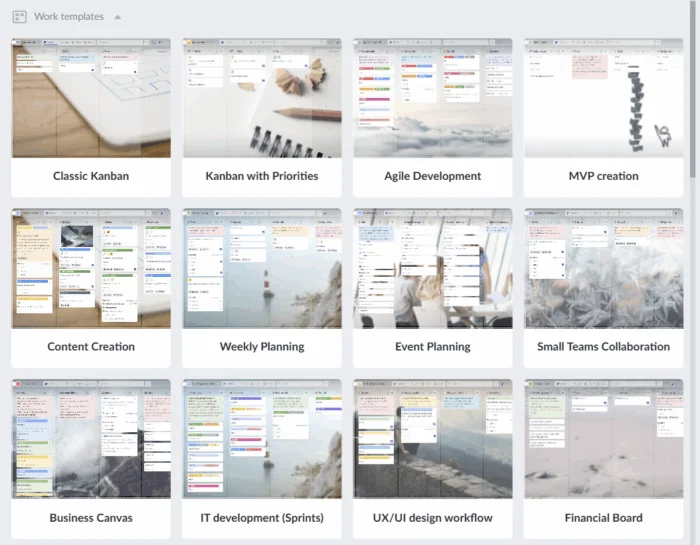
Pick a team that has clear pain (missed handoffs, unclear ownership, recurring requests). Roll out one template, then expand. Kanbanchi includes board templates and supports visual workflows, which can help teams adopt without weeks of training.
Start with the free Kanbanchi trial today
If the tool is working, you should see:
If you do not see those changes, the issue is usually workflow design, not “more features.”
The best tool is the one that reduces context switching for Drive, Gmail, and Calendar users while supporting your workflow (Kanban, timelines, reporting). Kanbanchi is a strong fit for Workspace-first teams because it combines Kanban, Gantt, time tracking, and deep Google app integration.
If you only coordinate a small number of tasks, Sheets and Docs can work. As projects grow, most teams need clearer ownership, timelines, and status visibility than spreadsheets can reliably provide.
If your work is continuous flow (requests, operations), prioritize Kanban. If your work has milestones, dependencies, and date commitments, prioritize a Gantt-style timeline. Many teams need both, as long as they stay in sync.
Very important for teams where requests arrive by email. Fast capture reduces missed work and prevents inboxes from becoming unofficial project backlogs.
Yes, as long as the integration is robust enough and the security requirements are met. The risk is adoption friction and tool sprawl if Drive, Calendar, and email do not connect smoothly. Check out this guide to understand if your team can just stick with Google Workspace alone.
If your team wants one place to manage tasks, timelines, and collaboration without leaving the Google ecosystem, Kanbanchi is designed for that. Explore how it fits your workflow and try it with your team.


In this Article:
Start using Kanbanchi now
Start your free trial