
In this Article:
Try Kanbanchi now
Start your free trial

Projects rarely fail because people are lazy. They fail because no one is sure who is doing what, by when, or why it matters.
You might have tools, standups, and a roadmap. Yet work still slips, priorities clash, and handoffs get messy – especially across remote, hybrid, or cross-functional teams.
You do not need another complex framework. You need a simple, repeatable system that any team can use in under a week.
This guide gives you that system: clear roles, lightweight planning, sane milestones, and simple communication routines that fit marketing, product, ops, and more.
Easy project management means one simple system where anyone can see what is happening, who owns what, and what happens next. It is less about fancy features and more about a clear, shared reality.
Project management is the planning and control of work to meet goals on time and on budget. For most teams, the least painful way to do that is with a lightweight, visual setup: one place for tasks, dates, files, and updates.
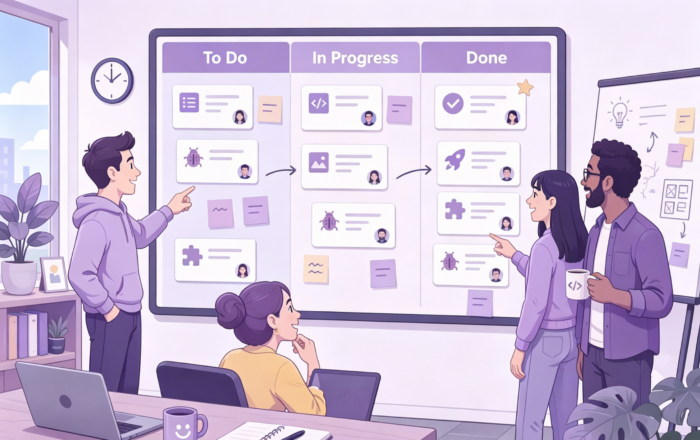
Think of your system like a whiteboard on the wall:
Simple project management is about using the smallest setup that still keeps work visible and easy to update. If someone can open the board and understand the project in under a minute, you are doing it right.
Most teams do not need 50 features. They need:
Tools like Kanban boards, light Gantt timelines, and simple time tracking cover most real needs without extra chaos.
You will be tempted to add more structure than you need. Skip:
Rule of thumb: if a field or rule does not help the next person act, remove it.
You do not need a complex framework. You need a clear path from idea to done.
A project workflow is just that path: goals, tasks, milestones, and check-ins in a repeatable loop. A basic workflow like this lines up with what many guides call a simple project schedule or action plan, where you define scope, break work into tasks, assign owners, and set timelines for each stage of the work.
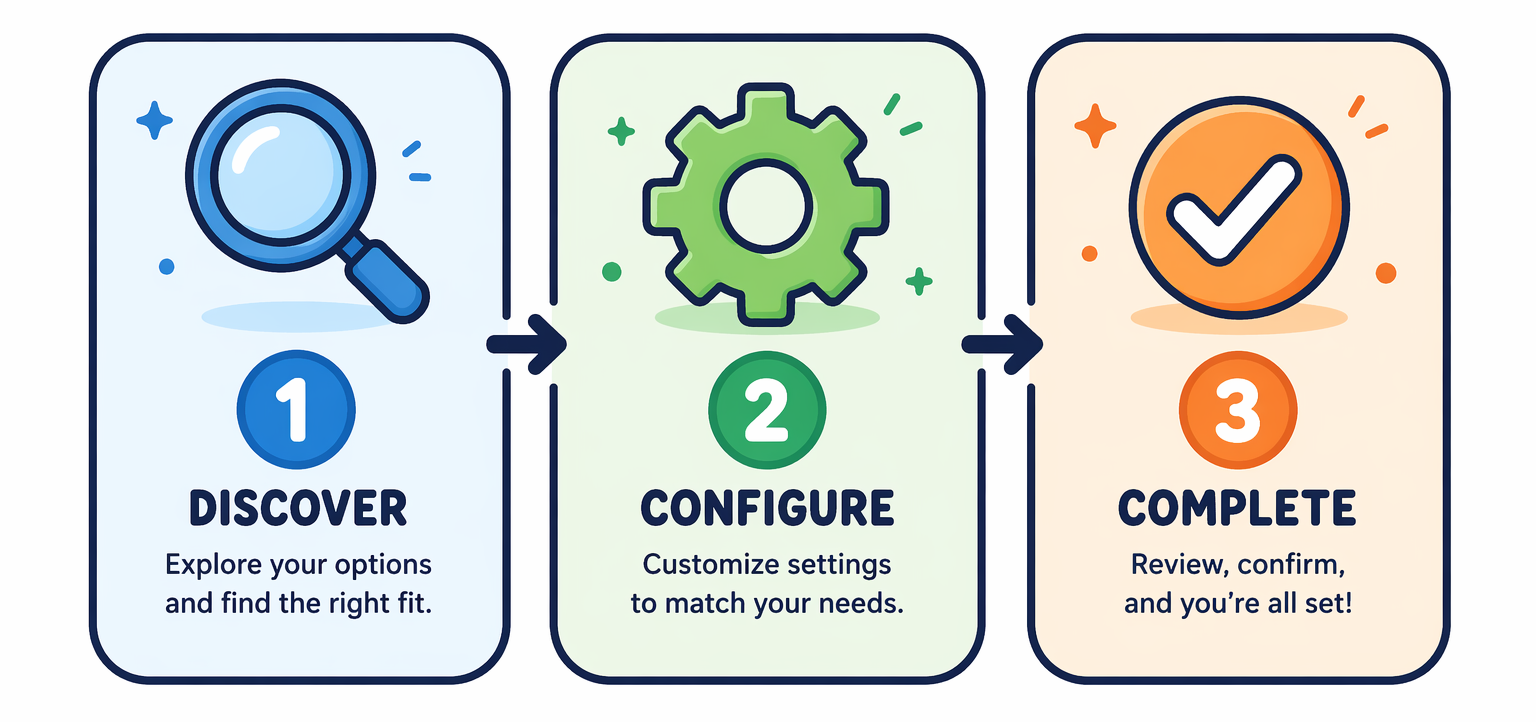
Start with one clear outcome. Ask:
Write a one-line goal plus 3 to 5 bullet points that describe the scope and constraints. This mirrors how many workflow guides start by defining scope, goals, and key constraints such as time and budget. Keep it boring and specific. Vague here equals chaos later.
Turn the goal into small tasks. If a task takes more than a week, split it. For each task, capture:
A task without an owner is a wish. Do not allow shared ownership. If you use Kanbanchi, make each task a card and assign the card.
Group tasks into 3 to 6 big chunks. Each chunk ends with a milestone. Examples:
Add calendar checkpoints before each milestone to spot risk early.
Run one short weekly review:
Update task status, dates, and owners right away. The workflow lives or dies in these small, boring updates.

Project management only works if it fits how your team actually operates. Same core system, different rules by team type.
For remote teams, fight two problems: silence and chaos. Do this:
A Kanban board plus Gantt view gives both daily flow and timeline in one place, which matches what many remote teams need.
Hybrid teams burn out on meetings fast. Keep these rules:
Tools that let you switch between Kanban and Gantt without losing data help hybrid teams keep one shared plan while still working in different ways.
Most cross-functional pain is not workload. It is unclear “who decides what” and “what is done.” Your job is to remove turf wars by pointing everyone at one shared goal and one shared board. Set this up:
Fast teams hate heavy process. Good. Do the minimum that keeps you sane.
Project communication is not about talking more. It is about sending the right signal to the right people at the right time. Poor communication is one of the top reasons projects fail, so you need a simple system, not random chatter, to keep work moving.
Stop freestyle updates. Pick one simple template for all status reports, async or live. For example:
Use this in daily standups, weekly reports, and task comments. If every update answers the same questions, people scan faster and miss less.
Good communication is not more messages. It is less noise. A practical pattern would be this:
Default to async. Use meetings when async is stuck or nuance really matters.
You do not need more meetings. You need predictable ones.
Keep standups about today and blockers. Push everything else into docs or comments.
If it is not written down, it will be re-argued later. After any key chat or meeting, log:
Store this where work lives, not in a random folder. Comment on the related task and link the doc. This creates a single source of truth, so new people can join without you having to retrace months of backstory.
More articles on Team management here
You do not need a heavy PM tool to stay on top of a project. You need a clear way to see milestones, who owns what, and what truly matters this week.
Think in three layers: milestones, handoffs, and priorities. Milestones tell you where the project is going. Handoffs show who moves it next. Priorities decide what gets attention today.
Start free Kanbanchi trial now
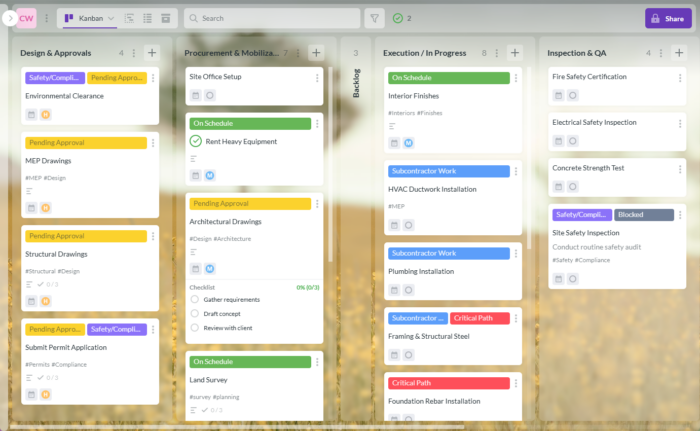
Set up one simple shared board with columns like:
Every task card should have:
Kanban-style boards make this very easy. A board gives you a quick view of what is moving and what is stuck, instead of a long status email.
Rule of thumb: if a task has no owner, no date, or no priority, it does not exist.
Use short, fixed check-in rituals:
Keep the system boring on purpose. Fewer stages, fewer labels, fewer custom fields. The simpler the setup, the more likely your team will actually keep it up to date.
Treat milestones as proof points, not calendar events.
A milestone is only real if you can answer: what changed in the world when we hit it? “Prototype ready” means a link exists, tests pass, and a product owner signed off. “Launch complete” means the docs are live, customers can use the feature, and support has a playbook.
Create a short list of 4-8 milestones per project. Too many and nobody remembers them. Each milestone should include:
Map those milestones to your calendar so the team sees what is coming. Simple calendars work fine for this, and guidance on scheduling milestones in tools like Google Calendar shows how this keeps date-based work visible across the team.
If a milestone does not drive decisions, it is noise. Remove it.
During weekly reviews, ask two questions:
This keeps progress tied to real outcomes instead of vague “percent complete” numbers.
Pick tools your team will actually use, not the ones with the longest feature list. Simple always wins.
Use one main hub for work, not five. If your team lives in Google Workspace, a tool like Kanbanchi keeps tasks, files, and dates close to Gmail, Calendar, and Drive so people do not bounce between apps all day.
Run a quick test before rolling anything out:
Standardize a few templates:
Tired of juggling spreadsheets, chats, and random docs to keep projects on track? See how simple it feels in Kanbanchi. Set up one shared Kanban board, timeline, and time tracker for every team in minutes at Kanbanchi.
Begin with one small pilot project. Clarify the goal, owner, and deadline. Create a single board with three lists: To Do, Doing, Done. Add only the next 1-2 weeks of work as cards. Run a quick daily standup and a short weekly review, then adjust based on what feels clunky.
Use three core rhythms. Daily 10 to 15-minute standup to unblock work. Weekly 30 to 45-minute planning to reset priorities. Monthly 45 to 60-minute retro to improve your system. Keep each meeting focused on decisions, not long status updates that your board should already show.
Write more, assume less. Make the board your single source of truth. Add clear owners, due dates, and definitions of done on each task. Use async updates in chat for simple progress. Reserve live calls for decisions or messy topics. Record key decisions directly on the related task.
Switch when your spreadsheet becomes a mess of filters, colors, and hidden columns. If people ask, “Which version is correct?” or miss deadlines, you waited too long. A tool like Kanbanchi gives shared Kanban boards, timelines, and time tracking in one place, especially handy if your team lives in Google Workspace.
Easy project management is not about fancy charts. It is about clear goals, simple structure, and steady habits.
You learned why defining scope, time, and budget up front keeps teams aligned, a core idea in classic project management guidance. Also, you saw how to break work into milestones, assign clear owners, and use lightweight rituals so projects move without drama.
You also saw that tools are only there to support this system, not replace it. Start small, keep communication tight, review often, and adjust as you go. That is how any team can run projects with less chaos and more control.


In this Article:
Start using Kanbanchi now
Start your free trial